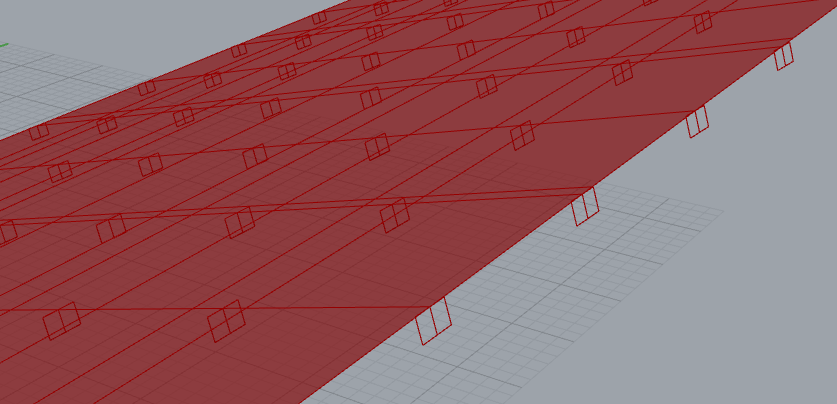
I am trying to create a waffle grid similar to the example below:


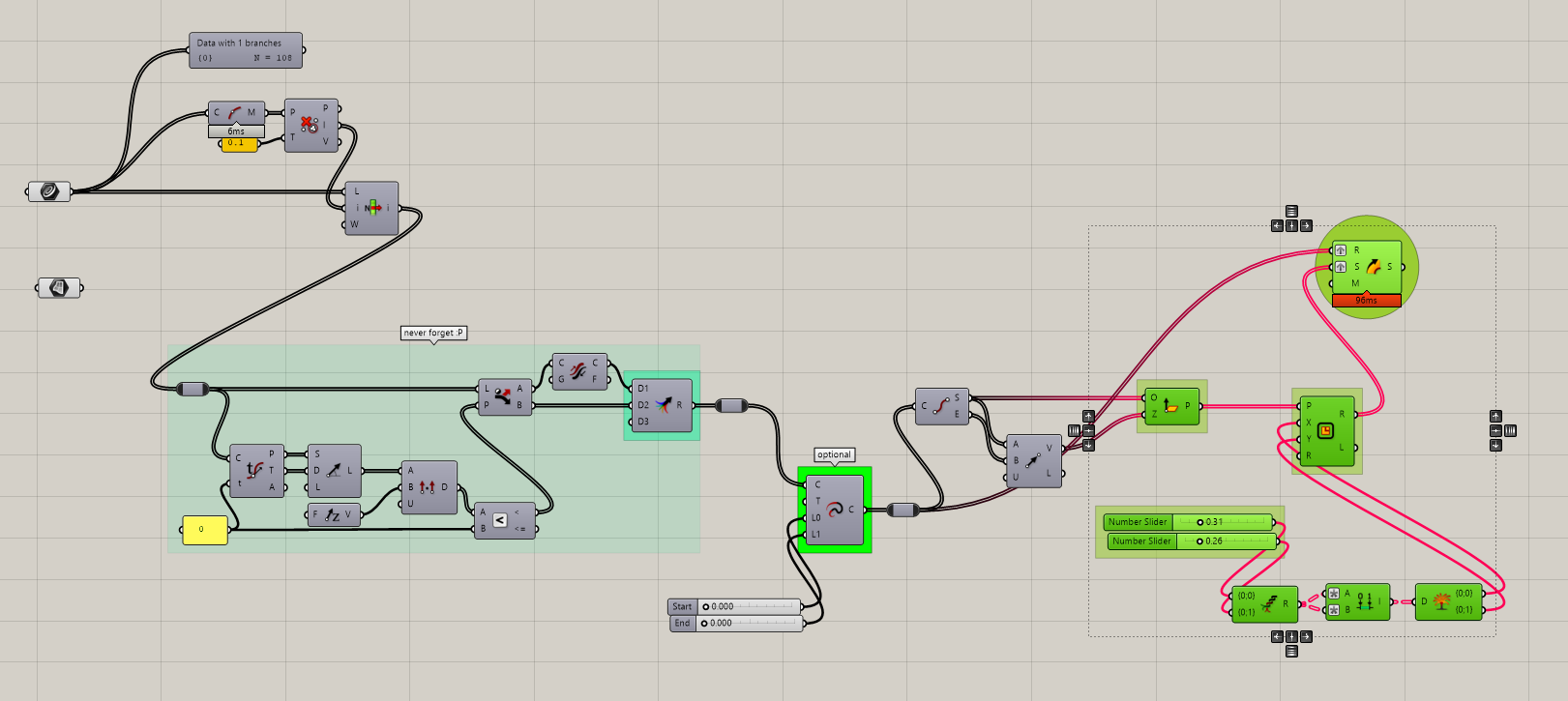
I have tried using various rectangle pipe solutions. I am not sure how to extract the curves needed for a sweep or how to align the frames to the curve.
I am trying to create a waffle grid similar to the example below:
I have tried using various rectangle pipe solutions. I am not sure how to extract the curves needed for a sweep or how to align the frames to the curve.
Here’s something similar
And I’m sure you will find a few more examples using the search function
This worked How to sweep profile along a curve towards a surface normal - #5 by johnharding
But I am not sure why it is creating duplicates of the loft.
perpframes internalized.gh (139.7 KB)
rule-of-thumb #1
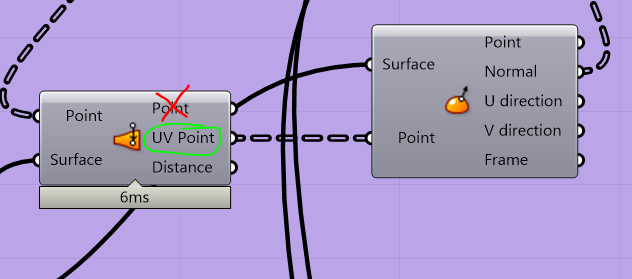
Then, align-crv habit - for sh%ts & giggles + build rectangle on plane:
perpframes internalized_b.gh (149.7 KB)
ExtrudeAlongCrv also works.
Something is happening with the alignment of the perpendicular frames at the left end.
They seem to end up about 45 degrees rotated. It is progressive along the curve.
There is variance of the V lattice where the surface is more curved as well
Is there any way to account for this?
U V Lattice internalized.gh (183.9 KB)

Have you looked at previous files shared…?

Also:
Sorry to be repetitive…if your curves aren’t aligned consistently you’ll run into issues even after correcting those planes:
I do see you’re going about it your way, which is fine, so good luck 
Cheers!
jk one last option 
U Lattice Internalized_fix.gh (58.4 KB)
NOTE:
Aside from the rotations, the first item (plane) per each (U & V) ‘row’ (crv) was adjusted to get the frame to be ‘inside’ the surface boundary.
Hi, thank you for all the help.
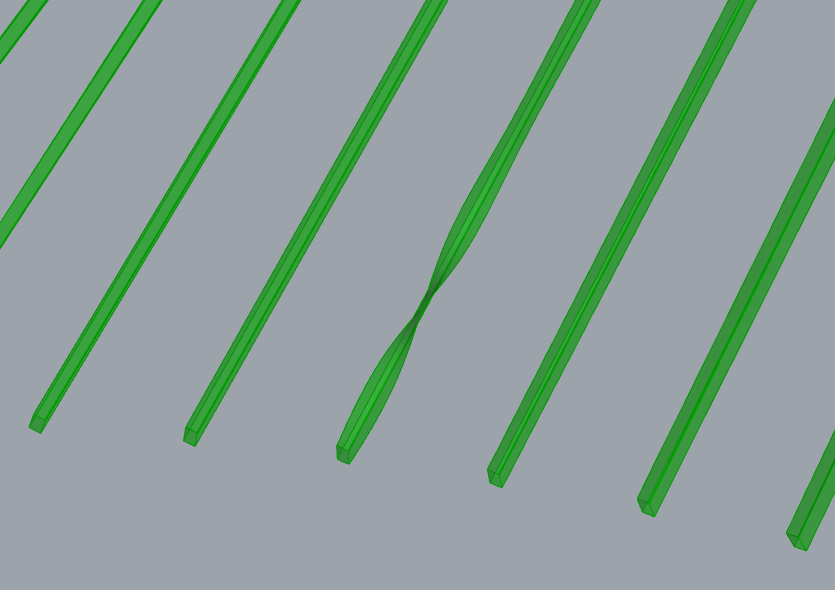
I am trying to figure out why one of the lofts twists:
Vertical members - internalized.gh (133.0 KB)
Loft is evil just because - right-click ‘Options’ on loft and uncheck ‘Align sections’ - it will fix it (for your case). Other cases it will break it!