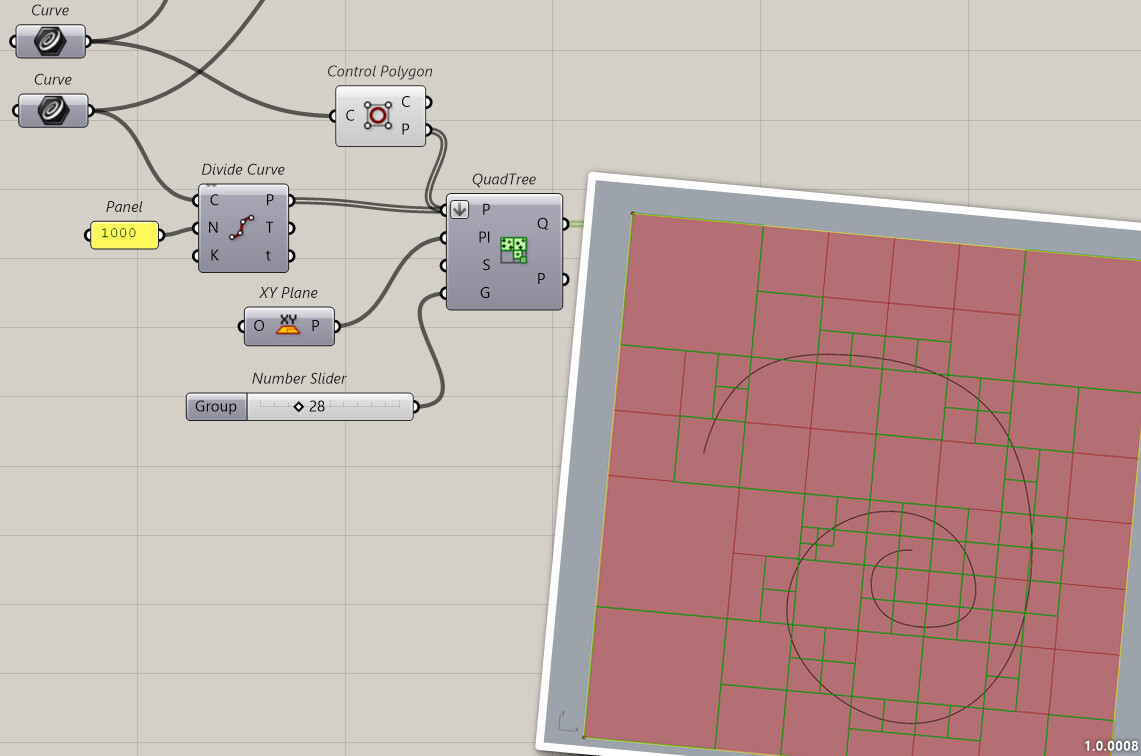
I could really use some help. I’m new to Grasshopper and there ist just nothing on the internet on this topic. I want to generate a Quadtree for a curve with a grid that is determined. I tried to do that but every pattern that’s generated isn’t fitting into the determined grid. I would really appreciate help <3
And is there anyway I can extract the resulting curve?
thank you very much for replying! I did as you suggested, but it didn’t quite solve my problem. I wanted the quadtree leaves to match my my grid, but it’s stil not overlaying. Is there a possibility to adjust the position and scale of the leaves? thank you in advance!!
consider that if you are not looking for its lightspeed calculation time, but are more interested in reproducing the cell-division behavior, a quadtree is just an iterative process of dividing a given 2D-domain into 4x 2D-domains with some checks
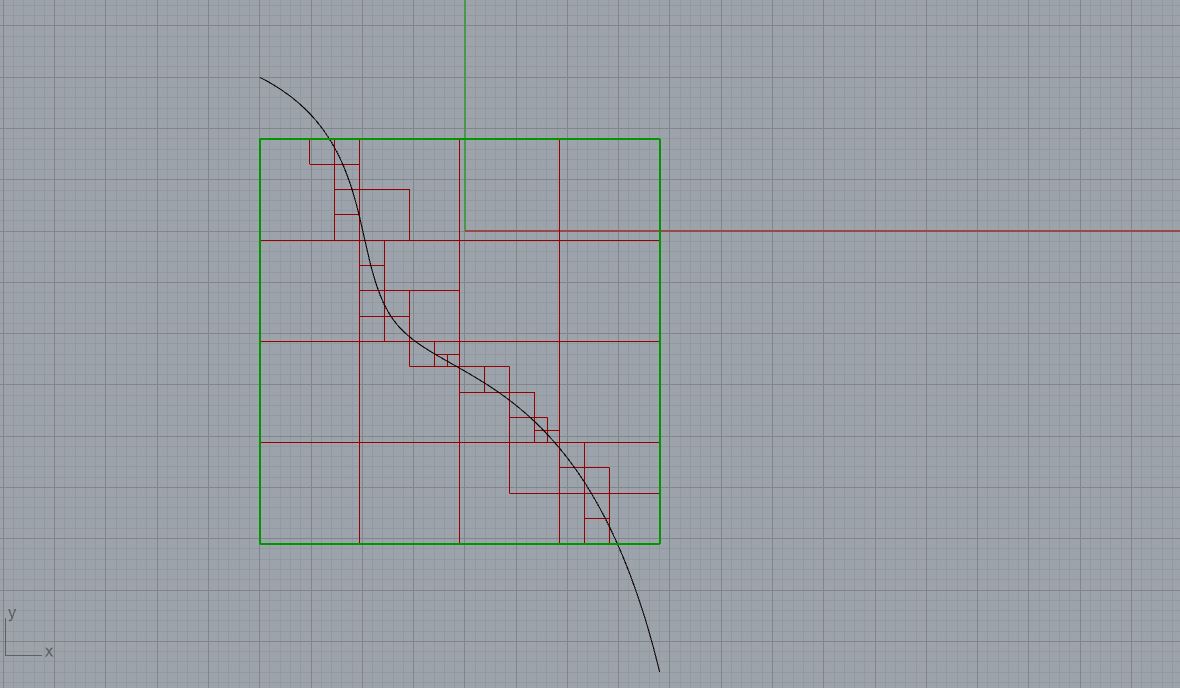
here is a dirty fast sketch forcing it on a predefined grid, using Anemone to loop cell subdivision:
You MUST do some mathematics. The quadtree will divide the square you provide by 2 each time, so you MUST provide a square with 2^N cells in X and Y. In your example your provided 17.xx cells in each direction.
With @inno solution you’ll have surely more control. And FroGH will be the most simple if you provide a surface that fits you grid with 2^N cells in each direction …
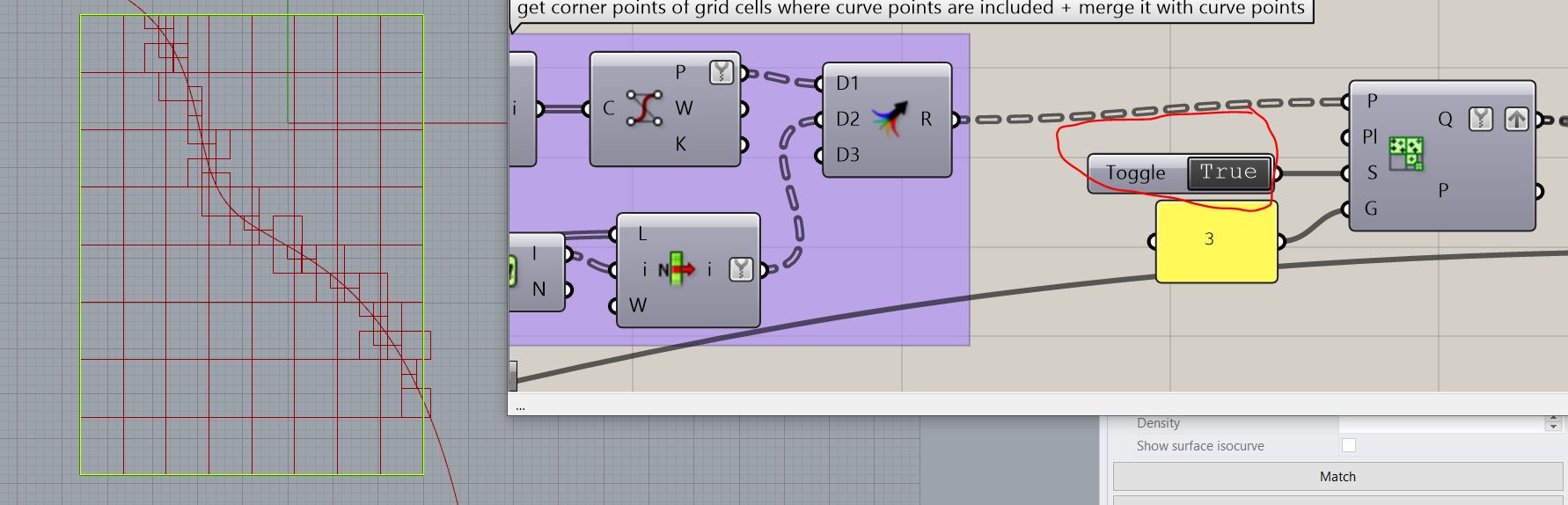
Thank you all for your input! @flokart your attempt is exactly what I wanted to do, but when I try to change the grid size, the quad leaves don’t stay in the grid but crosses it. Do you maybe know how to solve it?
Hi, I already tried that, but in my case even the rectangels don’t fit and ar overcrossing each other. The grid should be 1.7m x 1.7 m, but everthing is just chaos, if I do that. This is the rhino and grasshopper file…








 your welcome