I recently installed Decoding Spaces toolbox version 2020.05.
Post installation, I am getting lots of errors when I start Grasshopper. I have enclosed screenshots of the same. I unblocked the zip file and did exactly as per the installation instructions given here.
Better contact DecodingSpaces team directly via the contact form on their website. Plus include more details and not just plain screencaps, like OS + version, Rhino version and so on.
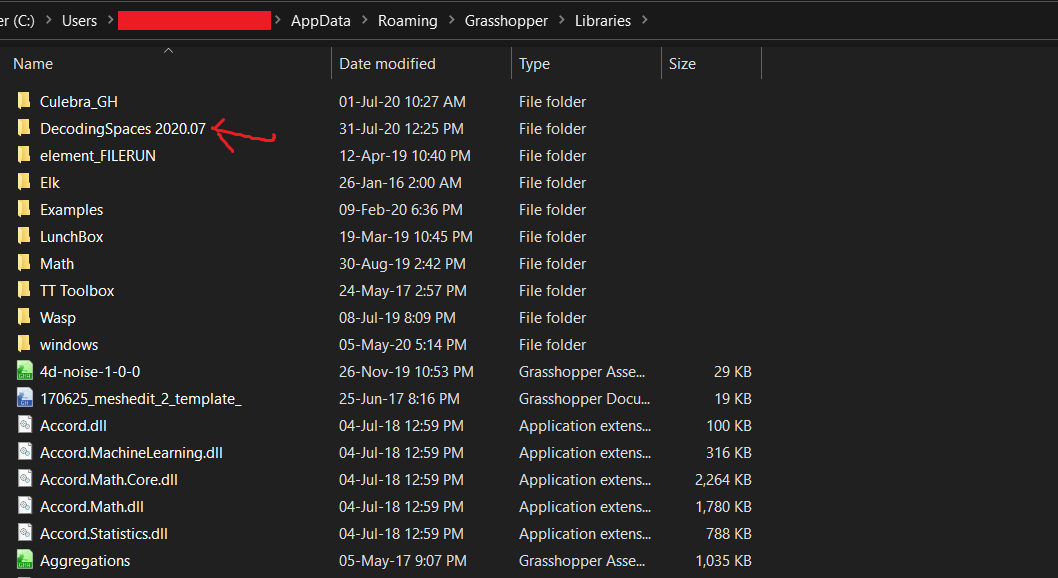
Hi there, I am also trying to install Decoding Spaces plug-in, the latest release 2020.07. Do you know if it also works for Mac? So far I only found one place in their website where it states that Windows is required, but I heard from other people that it worked for macOS as well. Is that right?
If the answer is simply that it does not work for mac, then it’s clear . But if it could work in a mac, I would like to ask any of you, kind souls, how is it installed exactly. I am unsure which files I need to put in the Libraries folders. Everything inside the unzipped folder apart from User objects?