@eirannejad this is aimed straight for your inbox I believe.
I have today been looking at updating my GH to YAK work flow from the Script Compiler to the Script Editor.
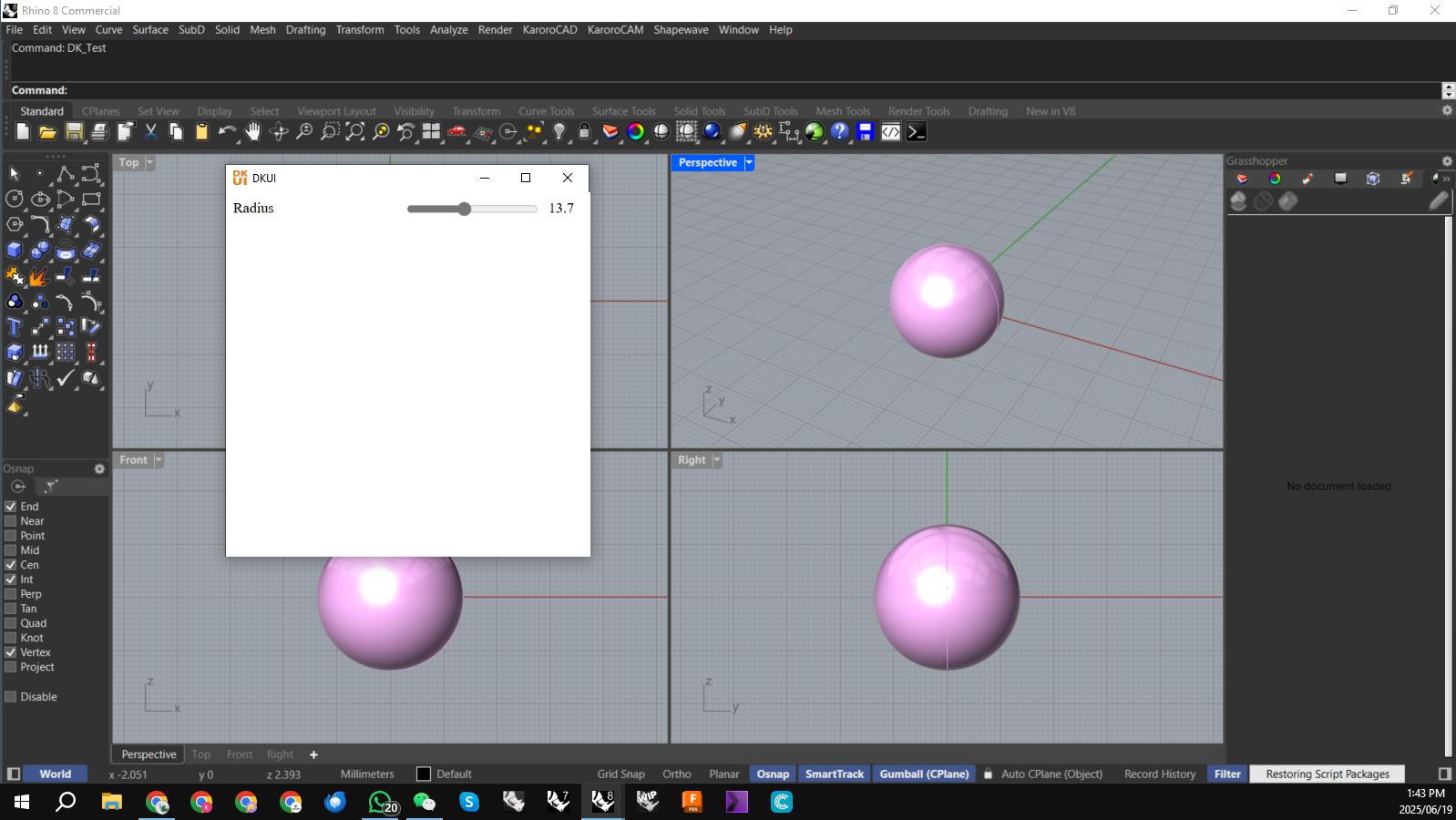
To this end I have compiled the same test GH file with a DKUI user interface.
Attached in a zip file is both versions including the YAK files.
The Script Compiler version operates as I’ve come to expect:
The Script Editor version seems to ignore the keep open flag and dies after one run thru of the script:
Can we get the Script Editor behavior to match the Script Compiler?
Cheers
DK
DK Compiler Test.zip (161.1 KB)
There is a slight aside to this to be found on this post:
Hi All,
I’ve had a interesting success today with this ongoing problem of being able to close a GH script running as a Rhino command:
What I have done is compile the script using the Script Editor (I normally use the CLI Script Compiler). This has different behavior than the Script Compiler in that it has to have a context aware input parameter on the GH canvas to ‘stay alive’.
I ended up putting some logic around my DKUI controls that used a context number input that needed exactly ‘22…
THIS behavior is in fact SO MUCH CLOSER to what I would actually like in this process which is to have control over when the GH based command closes.
Cheers
DK
Same issue. Seems like Script Editor was designed to work with Hops and Context Inputs/Outputs. So DKUI seems to have issues with Script Editor.
Check the link @Muhammad_Talha_Mufte I’ve had some interesting developments over the weekend. DKUI is compatible with the Script Editor AND is potentially a nicer setup.
Cheers
DK
Yeah it’s a decent workaround will give it a go this week