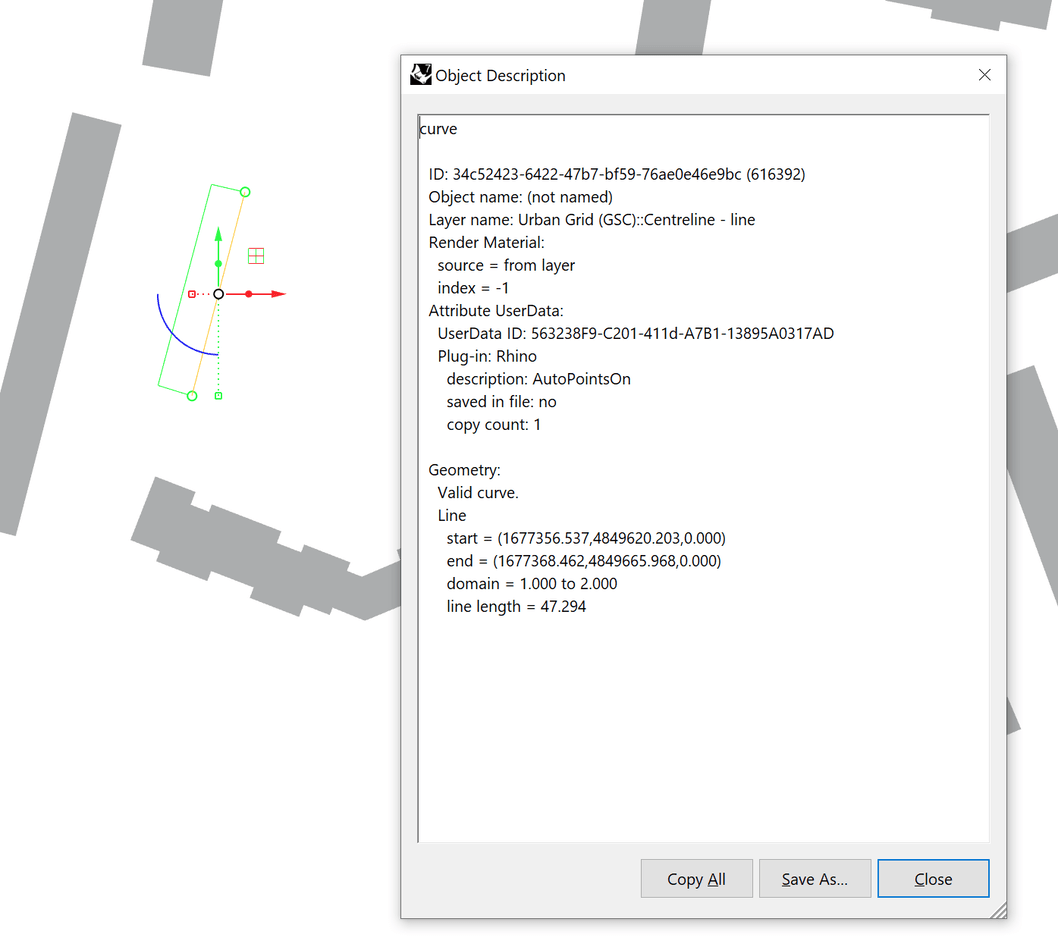
I need to convert my line geometry to polylines, unfortunately, exploding the lines and rebuilding them as polylines in grasshopper still yields line geometry as result.
They need to be converted in order for QGIS to read the DXF as a single layer. Regardless of merging layers, QGIS always differentiates between curves and polylines.
Is there an alternative approach to converting the lines? Or should I just add midpoints in between the lines and create polylines from those? There are 11000 lines in the project though and 42000 curves in total (metropolitan scale data).
Ideally, I would just batch convert them using Selline and change the data type from line to polyline.
Unfortunately neither that component, nor the polyline component create polylines from just start and end points, so I suppose there needs to be an additional points for there to be polyline segments. Unless I am mistaken.
Hello - I think I can make you a thing that will convert these. Hold on a bit. @Intuos - see if this does anything good - you can use the same code, presumably, in a GH python component.
Preferably, I’d like to have the line subelement become part of the open polyline, or in other words, add the line as segment to the polyline, but I am not sure how I could retrieve the subelement, or I’d need to sort the points by lines for 40k points in grasshopper somehow.