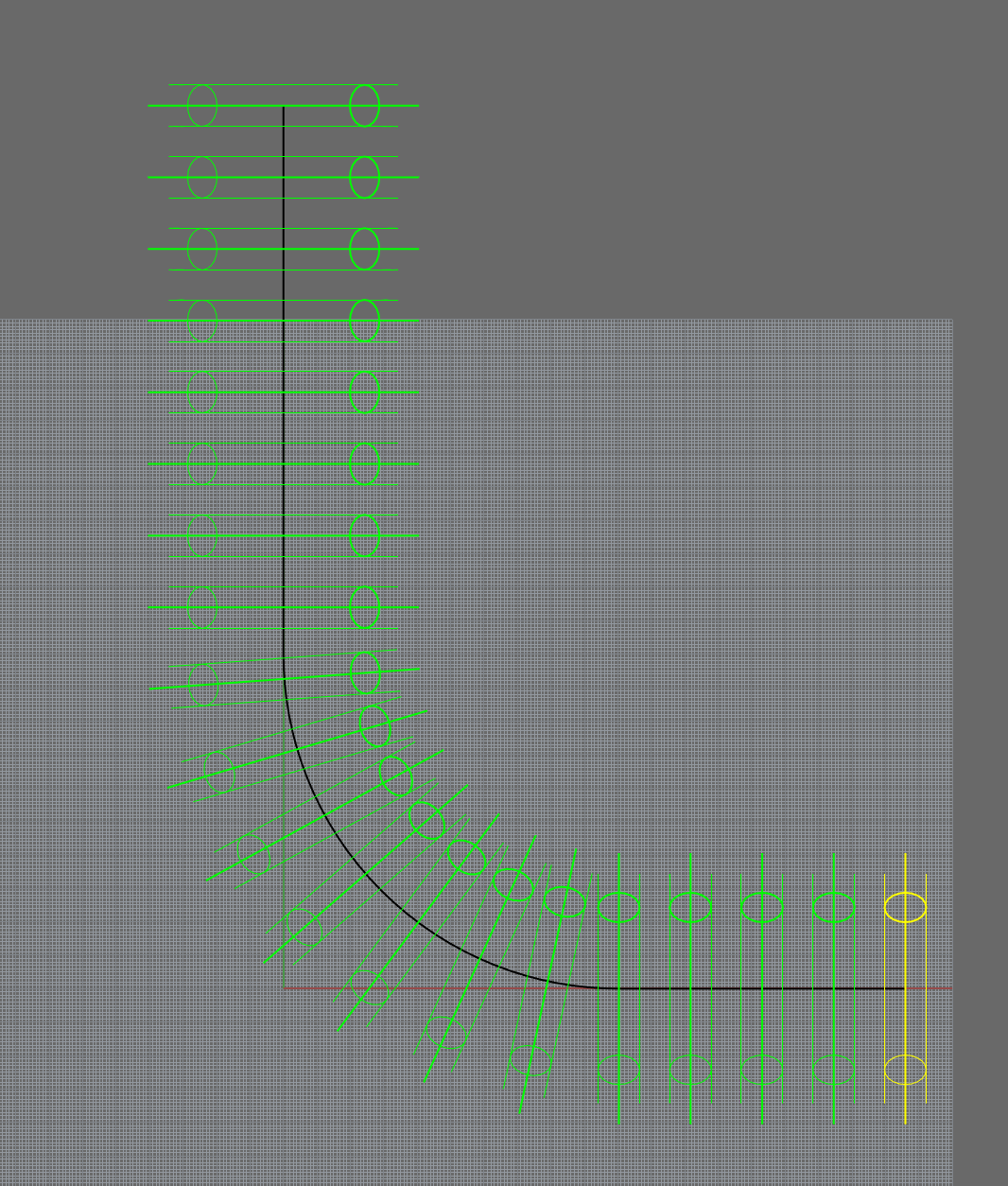
Array along Curve: Roadlike doesn't work as expected

I made a video to show you how this does not work properly. So the alignment of the rings is not evenly distributed based on the flow of the curve. |
Just wanted to easily create a pipe with a profile as you might guess.

thank you for any help with this.

Flow Along Curve does also not distribute the items esp in the round corner, as you see it will inflate the items.

Array should work but it is difficult to see in your YouTube video what you’re actually doing.

I think you’re selecting a basepoint away from your torus…

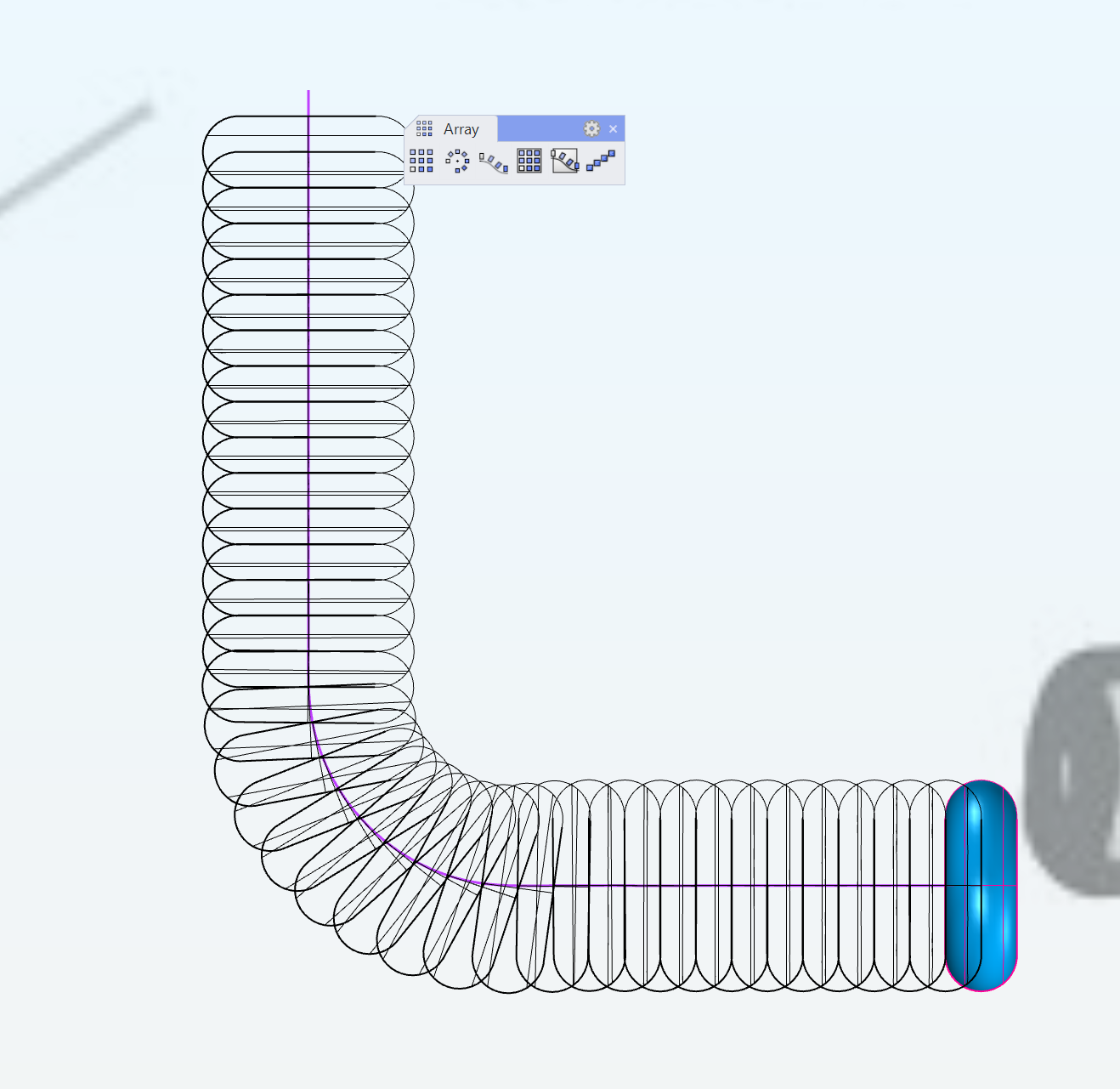
Here’s a screenshot of an array with the basepoint in the center of the tours:

I still don’t see the benefit of uploading a videeo to youtube vs. uploading the video directly into a post???

@martinsiegrist Thank you. It works now :slight_smile:

Have you read through this old thread on armored hoses:

Your pictures look like that’s more or less what you are trying to model.

Thank you @AlW thinking of me :slight_smile:

Hello friends,

I see ppl have had the same issue and it happing to me I can’t keep the objects to stay uniformed my prongs go off and do their own thing I need help

The prongs are always going to struggle when laid out like this. In your layout they are attached to the end of the gems, not calculated between the gems.

I would suggest looking at Rhino 9’s new ArrayCrv feature “Between” It can be very helpful for this type of workflow as it generates a between orientation plane between each of the gems which will help the prongs rotate independently vs just hanging off of the end of the gems.