@stevebaer @dale
Our plugin TiaraCAD works fine on windows with Cloud ZOO.
We are now porting it to mac.
We want to know how to sign the .rhp for mac, because we were not able to use Cloud ZOO on mac os
@will - is this something you can help with?
Hi @maya_puundale, could you please share a screenshot of the error that you’re getting when trying to load your plug-in and get a license from Cloud Zoo on macOS?
Hi @will
I have attached the screenshots. First it asks to log into Rhino Cloud as we have enabled it.
However, the error comes next.
It works fine in Windows.
The .pfx from McNeel signs the Windows .rhp using signtool.exe
While for Mac, we don’t know how to sign.
Are we missing something?
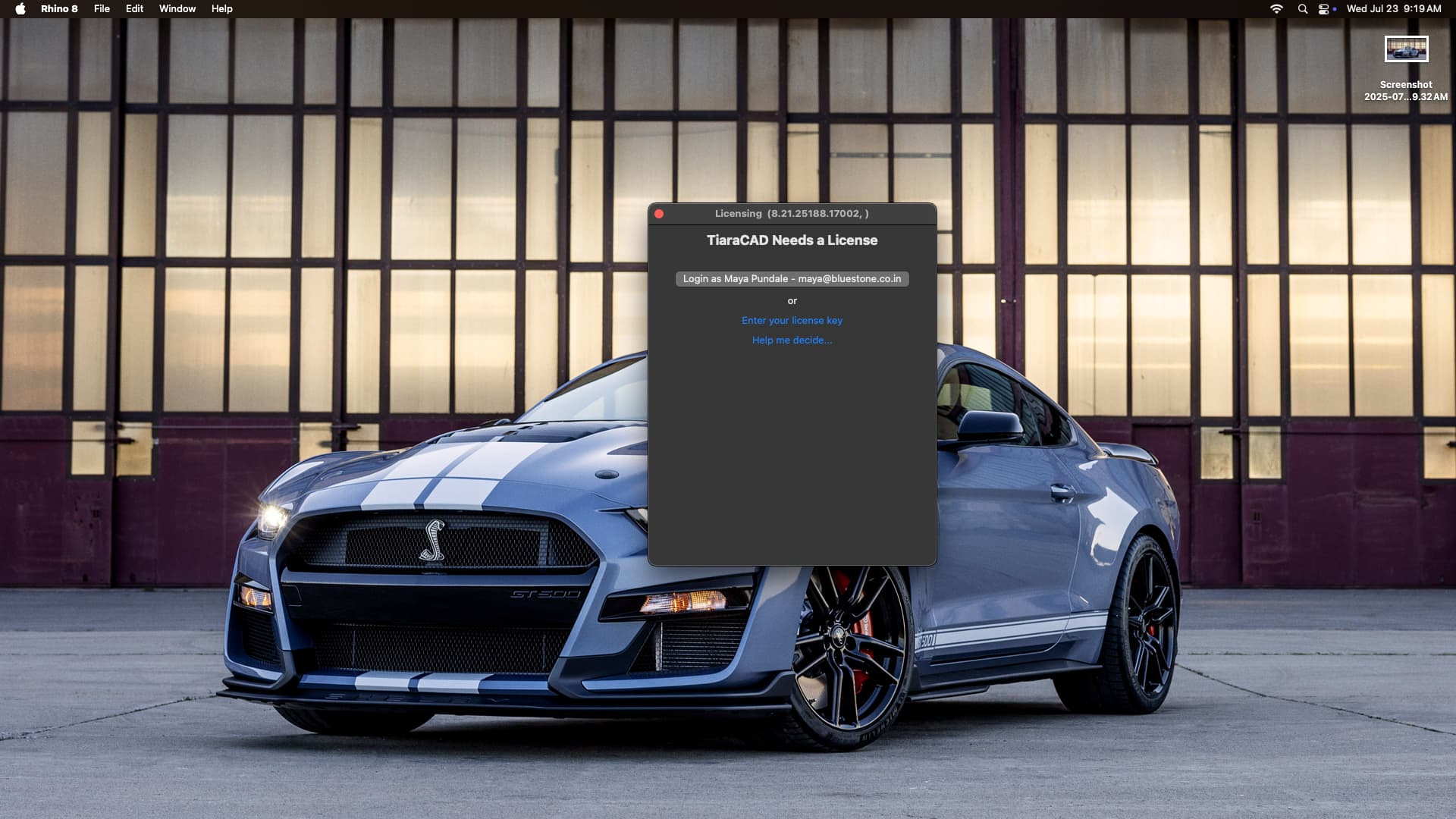

Thanks for the screenshots! This error means that Cloud Zoo can’t find a product that matches the plug-in’s ID. It sounds like your Mac plug-in currently uses a different plug-in ID than your Windows plug-in. I noticed also that your product on Cloud Zoo is marked as Windows-only.
Do you intend to have different license keys for Windows and Mac? Or should a single license work on either platform?
1 Like
Thanks for the update.
We wish to have a single license key that works on either platform.
Regards,
Maya Pundale
09821418771
As per your inputs, we modified the cloud zoo api to enable it for both, Win and Mac.
And now it works just fine.
Thanks again.
1 Like
Fantastic! Thanks for the update.