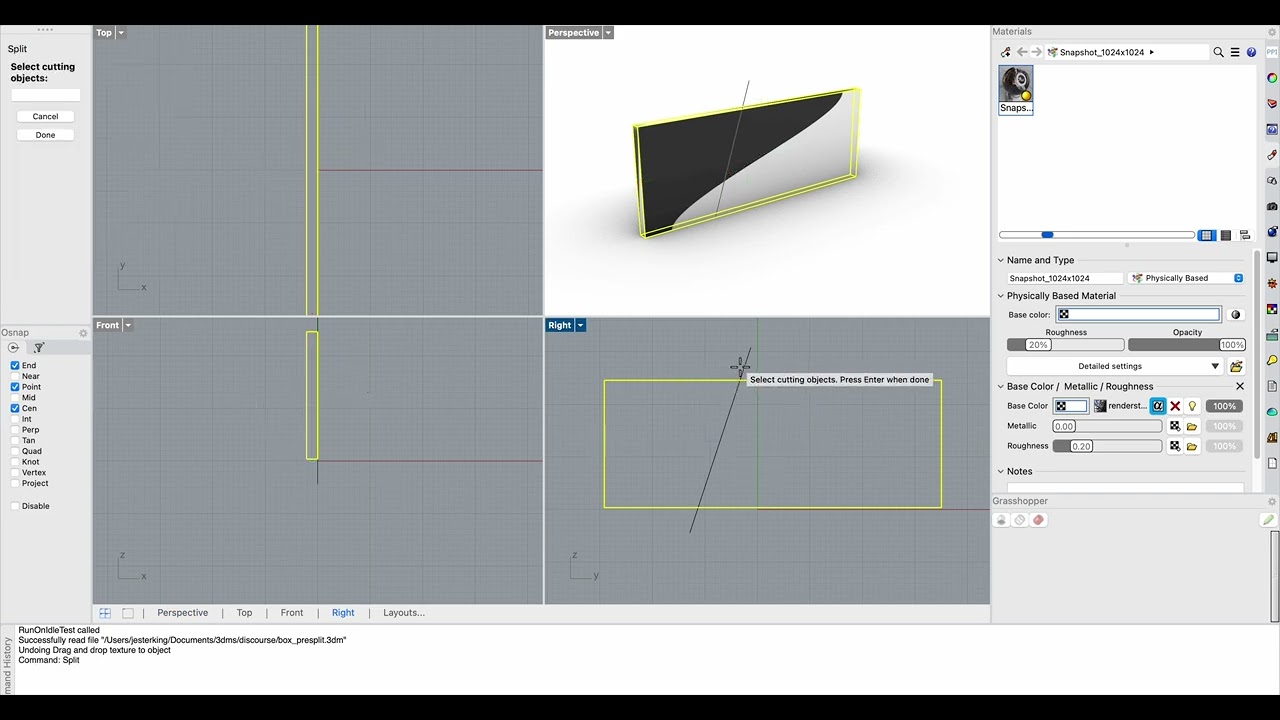
When an object (polysurfaces) is split, they texture mapping gets broken.
Even after changing a split object’s material to default and change to a new material, the other texture gets changed as well.
I also tried copying/pasting from a new Rhino Window. The remaining object’s texture name remains the same, but it will changed to a new material for some reason.
Would be useful to share the 3dm file with a copy of the object before the split where the mapping is correct and the split objects of the other copy where the mapping has gone wrong.
Here’s a better video showing the bug. Split bug.3dm (375.3 KB)
The file’s attached along with texture maps used.
You can see after texture-bug-after-split happens, the pink stone material name remains but its associated material gets changed to new texture even though it was applied to the other object. There’s a second try where I changed the top split object material to default first, but the bug persists.
I see you used plane, and I used a curve to split. When I tried a plane to split, the result was the same.
Ah, but that is because you’re dragging a texture on the object. That replaces the texture in the basecolor slot of the material that is already assigned to the object. Since both objects have that material it will also show in the other object.
Instead of dragging the image onto the object first create a new material, then assign that to the object you want it assigned to.
I was able to reproduce. Not entirely sure I fully understand the behavior, but it appears to happen when the properties panel is active. In my recordings you can see I always switch away from that - I wanted to see if a new material gets created. But when the properties panel is open this may be happening. Not sure, because there is another issue that may be interfering - undo-ing changes after drag and dropping textures don’t appear to be undoing changes to materials properly.
Ok, some more investigation. It is due to an Undo issue that this happens.
Here a minimum steps recording of how to recreate the problem:
Add box
Drop texture on box from finder/explorer
Drop another texture on box from finder/explorer
_Undo
Note here that already the material is incorrect. The viewport shows what one would expect, but the materials panel shows incorrect material. Further actions will cause confusion, as can be seen in the video. This is what you have run into.
Logged as RH-87475 Undo doesn’t properly undo material changes
yes, I didn’t mention that (because I thought not having the bug happen in the first place is more important), but it’s also very frustrating I couldn’t even undo when the material switch bug happened.