Hello,
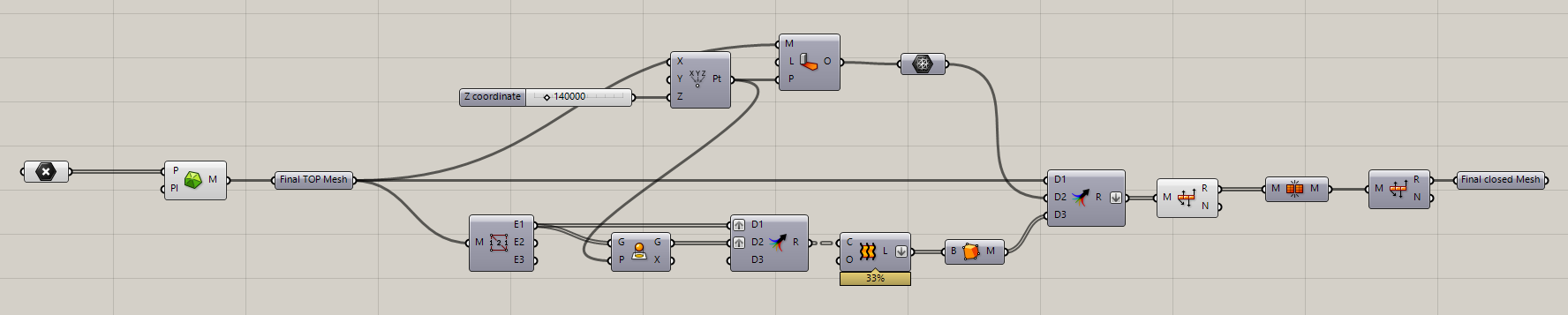
I’m working with a 3D triangular mesh terrain model, but the area around the riverbed is quite messy. I only need a specific portion of the terrain, so my initial goal was to isolate that part and rebuild the mesh within a defined boundary.
After reconstructing the mesh, my next step was to extrude it to give it thickness. I projected the naked edges, created a loft surface, and generated the bottom mesh using mesh shadow. Once I joined all the meshes together, everything appeared to be fine. However, after baking the geometry into Rhino, I noticed that some mesh elements were missing.
I don’t have a clue what can be wrong here?


mesh_problem_06102025.gh (37.7 KB)
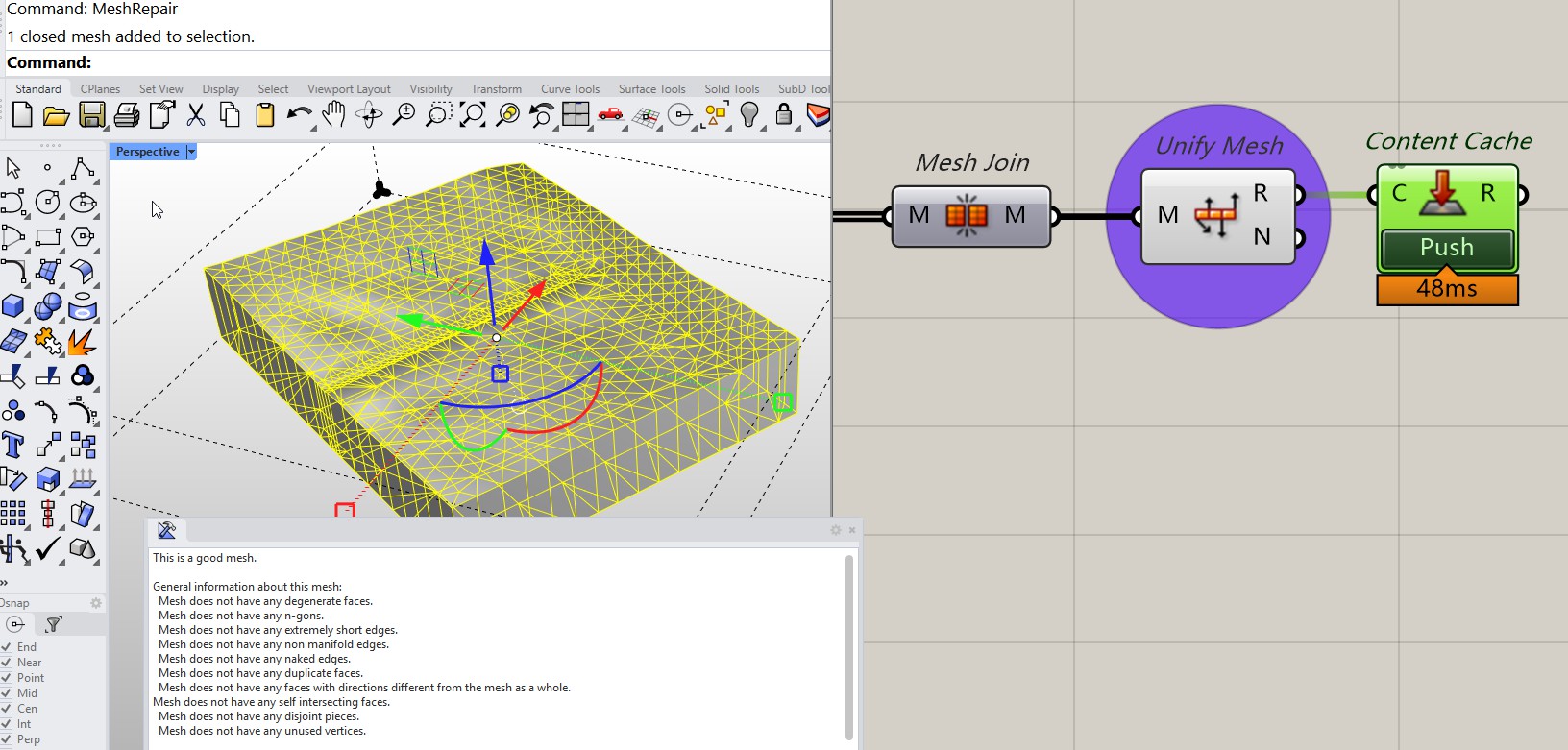
 . Thank you