A optimized cube should be 12 polygons (2 per side x 6 sides=12). When using the _box command every box is 12 polygons.
If I take the edges of one side of that box, the length of the adjacent side and _sweep1 it to create the same box but with the top and bottom open, run _cap, and then _polycount Rhino is telling me that exact same box is 162 polygons.
Without manually going back through and replacing all the faces(or doing multiple work around commands) I don’t know how to keep the model optimized. Why isn’t Rhino optimizing the sweeps automatically or is there a secret command to optimize poly-surfaces? On simple models manual clean up is fine, but I work on some detailed architecture models with more complex fascia sweeps and am pulling what little hair I have left out.
Are you using mesh parts, extrusions or polysurfaces?
If you are using polysurfaces, unless you are meshing the part with the mesh command, the polygon count of a nurbs object is calculated off the render mesh settings.
extrusions are meshed at their lowest possible polygon count.
but, when you convert an extrusion to a polysurface, the rendermesh settings kick in.
you can however make an actual mesh from these parts with the mesh command and control how many polys are in the part.
you can also reduce the polycount of a mesh part with the reducemesh command
any chance you could post a file and steps to reproduce your issue? I want to make sure I’m understanding this correctly.
The edges of your box are degree 1. If you extrude them straight to create surfaces, the resulting planes are degree 1 in both directions.
If you sweep the edges along a straight line, the resulting surfaces are degree 3 in the swept direction, even if the rail was degree 1. That causes Rhino to generate more polygons.
If you want to keep the polygon count down, use extrude rather than sweep. To reduce the count for an existing planar surface, rebuild it to degree 1.
Maybe a nice refinement for Rhino’s sweep would be to check the degree of the rail and set the surface degree accordingly.
HTH
Jeremy
(NB: the advanced render mesh setting ‘Simple Planes’ must not be unticked or you will never get minimal polygons.)
Also if you really want, set UseExtrusions to create extrusion objects and not polysurfaces, extrusion objects have special ‘lightweight’ display meshes.
I am not working at all in meshes. This is just extrusions and poly surfaces. The box example is oversimplified to illustrate the issue. On some very complex house models, I am wasting hours going back and remodeling the sweeps to keep the polygon counts low.
I’ll include the the walk through steps in the first image.
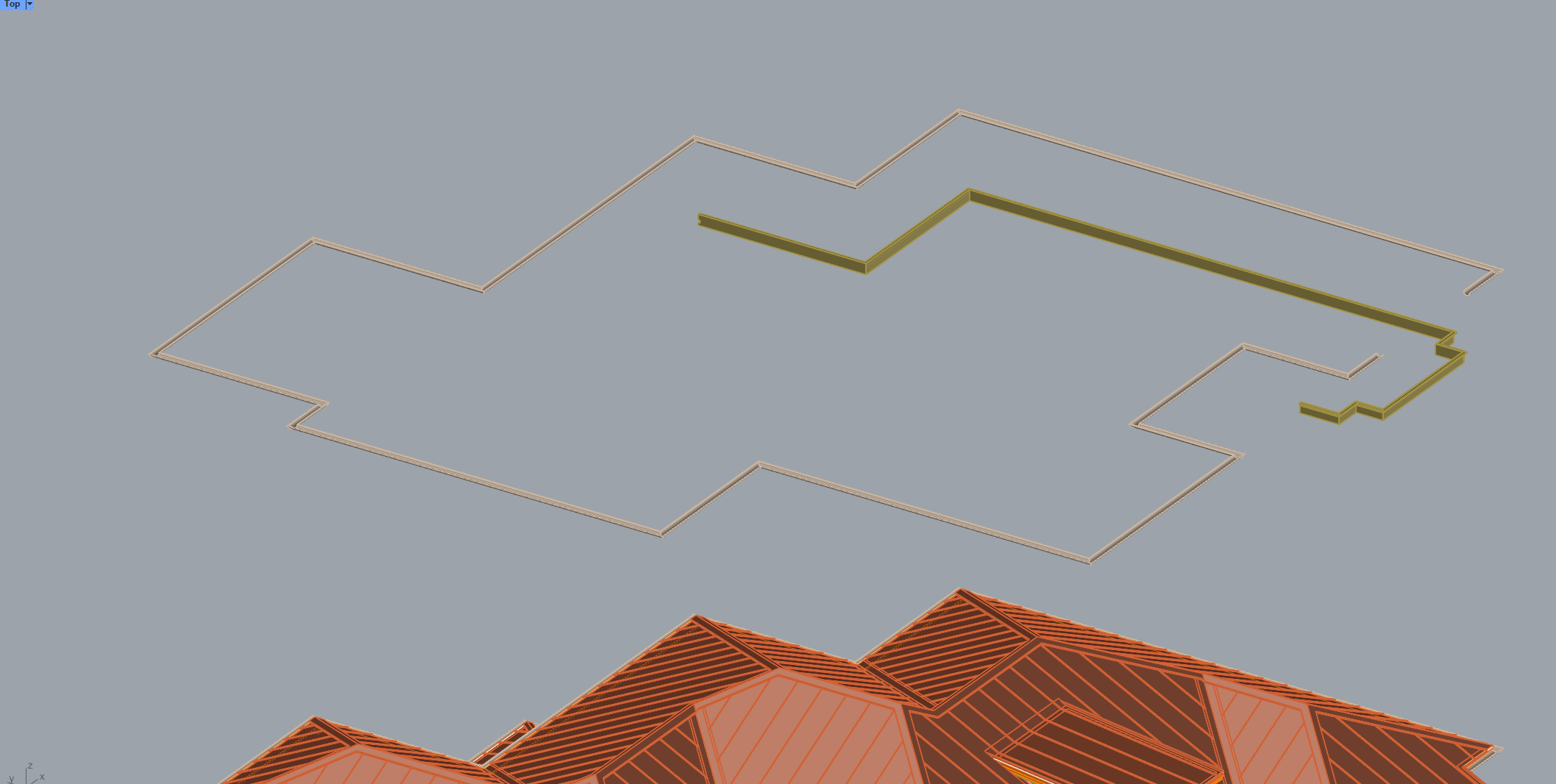
In the example of the actual projects I work on, the image shows just two of the 92 sweeps in the project. All 92 sweeps total 25,946 polygons and assuming sweeps are 10x less efficient then hand modeling they should be around 2,600 polygons instead.
Jeremy, you are definitely onto something. The problem I run into is not all instances can be extruded. Sometimes _sweep create the correct geometry, it just overinflated the product polygon wise.