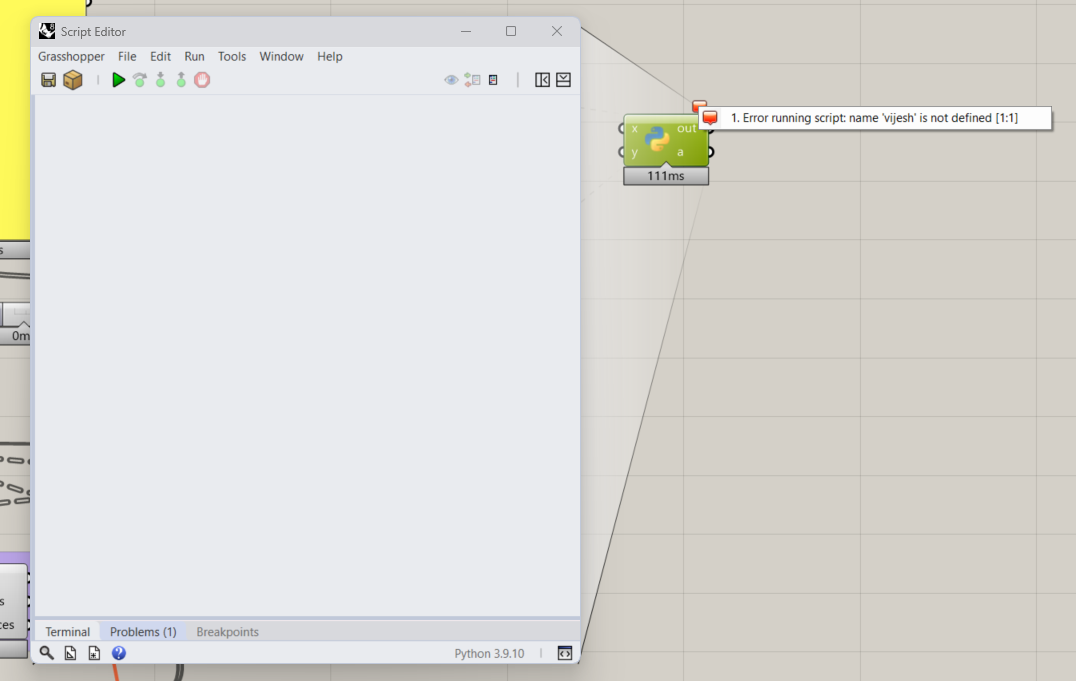
How could I run a python script in Grasshopper using Rhino 8?
Even if I try the simplest script I get this error code:
"System.IO.FileLoadException: Could not load file or assembly ‘Kitware.VTK.vtkCharts.Unmanaged.dll’. The module cannot be loaded because only single file assemblies are supported. (0x8013101E)
File name: ‘Kitware.VTK.vtkCharts.Unmanaged.dll’
at Rhino.Runtime.Code.Languages.PythonNet.CPythonCode.Execute(RunContext context)
at Rhino.Runtime.Code.Code.ExecTry(RunContext context, IPlatformDocument& doc, Object& docState)
at Rhino.Runtime.Code.Code.Run(RunContext context)
Any resolution on this? I’m getting the same issue but am working on my Precision M6700 (about 10yr. old) and I don’t remember seeing this issue when working on my M7780 (new this yr) . . . once I move back to the 7780, I’ll try a component in py3 & will report back here.
If I change the option to IronPython 2 (prior to editing script) then it works fine using py2.7
So, Confirmed. my M6700 is running windows 10, not sure what all is installed in the background, but I get that error on it, it will not run py3 in gH in Rh8.
M7780 is windows 11 and the same py3 script component works fine in there.
I’m guessing it’s some support software - Visual Studio version maybe? or something else, that’s missing. Or (less likely) hardware issue - processor maybe - this one’s not compatible with Win11 - doesn’t have the TPM2.0.??
@mcarch Seems like this dll is related to this project:
I can see the Kitware.VTK.vtkCharts.Unmanaged.dll listed in this NuGet package:
What plugins do you have installed on the Rhino with the error? For some reason this dll is being loaded when you are running the grasshopper component.
Do you see this error if you run a python 3 script outside of Grasshopper and in the main Rhino ScriptEditor?
I made some improvements to the underlying pythonnet hopefully to avoid this. But the general problem is when loading Kitware.VTK into the runtime, pythonnet was having trouble looking up types in Kitware.VTK.vtkCharts.Unmanaged.dll
I have quite a few plugins in GH. Not sure which one may have the Kitware.VTK.
I don’t run script right in Rhino, but could try it if you want to upload something simple that I could open & run. May be quickest way to test it?
Screenshot of GH showing the plugins I have running:
I’ve been checking for updates today & will update as soon as available. ch for updates from Help>CheckForUpdates - but web link returns “Your installation is the newest available.”
I just checked on updates dialog for Service Release Candidates (found the drop-down) & found the download link. I’ll install & report back. Thanks Ehsan! Cheers!
Hello sir, It magically started working. Yesterday I was facing this issue. It started working this morning while I was testing it to share it with you.
I would also like to mention that yesterday morning I updated Rhino8, after that only I was facing this issue, even after restarting it. Now it seems to be working.