 May you share the spreadsheet file with me via private messages?
Hi @gankeyu, thank you so much for the incredible plugin! It’s significantly faster than all the other available options, and it’s fantastic that it doesn’t rely on Excel itself.
I was wondering if there is a way to create a new spreadsheet object each time I want to save it. Perhaps adding a name or ID as an optional input would be helpful. Currently, I’m using the plugin to export custom XLSX files with different names, but the create object function remembers the first object and appends to it. As a result, I end up with an incorrect XLSX export.
Currently I am manually expiring the component to get the correct output, but I think this should be more straight forward.

The anticipated workflow would be multiple Create Spreadsheet components. As for creating an indefinite number of spreadsheets, a workaround is duplicating the type input.

multiple_xlsx.gh (10.2 KB)
If you want to stick to the existing one-by-one workflow, you may use Wait Until with the type input.

Hi Keyu. I do want to use this components but unfortunately I do get bad results in the sense that if I write data into an XLSX file, for whatever reason all my cells are formatted randomly using a style from another spreadsheet and I can’t find the logic behind this kind of automatic formatting.
Sure, will do. Saving as an .xls resolved the issue.
The result should be fine as long as you follow the example and create multiple spreadsheets.
If possible, you may PM a simplified version of your Grasshopper script so that I can figure out what might be done wrong.
Here it is the screenshot of the .xslx file before exporting data into it:

and this it is how it looks after exporting:
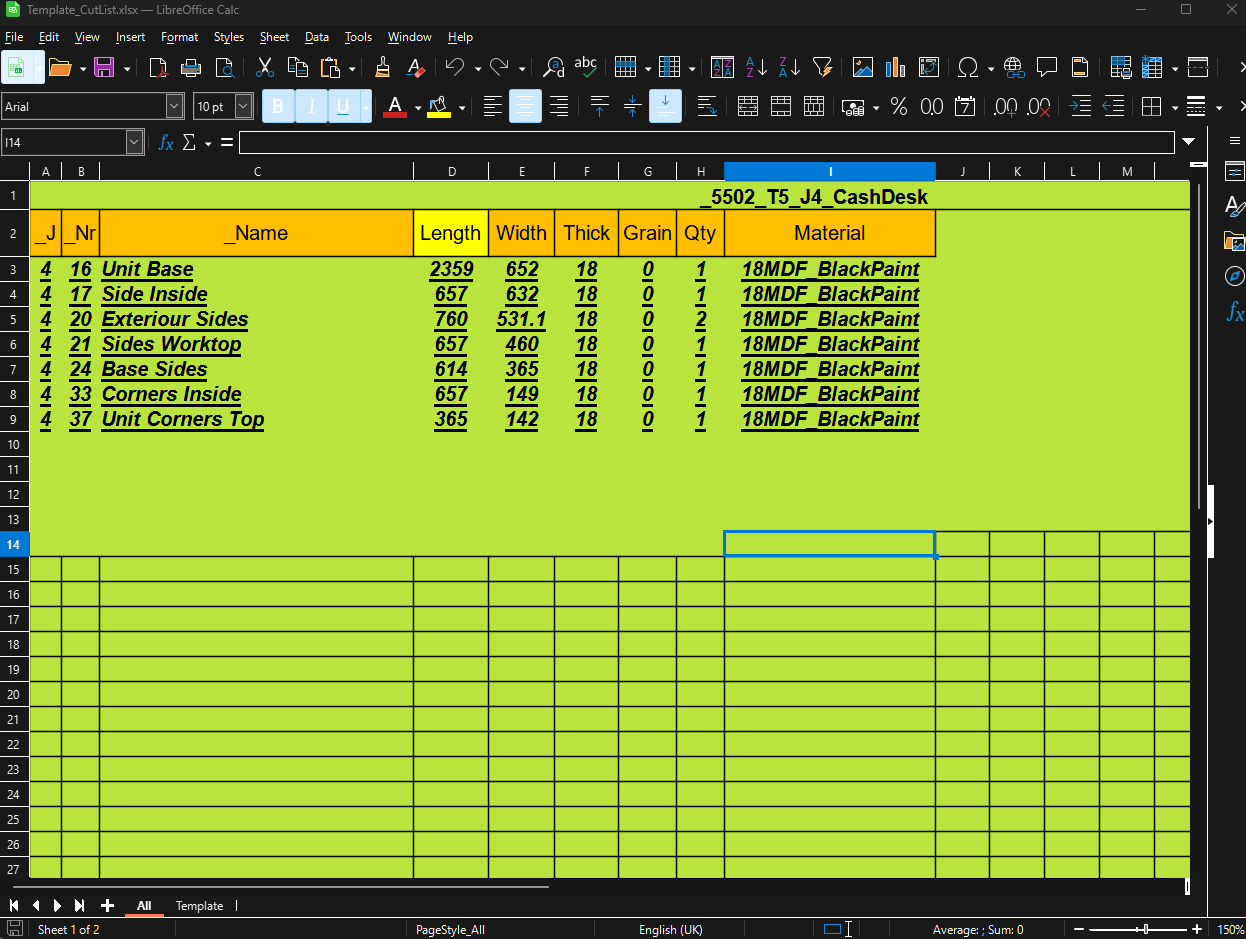
I even made a simplified version of the .xslx file without any good results.
Looks like it is just picking a random style and and applied to the entire sheet.
PancakeSpreadsheet_Test.zip (205.3 KB)
Hi. Thanks for a great component!
I am trying to do a series of operations where I write data into the excel file, which then triggers some calculations in excel, and then extract the results back into .GH. (Ideally I would like to do this loop twice).
From the tutorials and what I can understand, I need to use the recompute component for this to happen but, I get a random error " Solution exception:Error evaluating cell " identifying a random cell in the workbook. This seems to change sheet and cell whenever I reopen the script or excel file. Is there a way around using that component?
Hello,
Had the same issue when 1 out of 8 similar Excel files gave this “Empty sheet” stuff via Simple Read. The Excel option for Repair and Extract Data made a trick for me.
The other way around to handle this is below (even without repairing the Excel file worked for me):

As I need it at plenty of locations, I just put it in a cluster.
P.S. @gankeyu, thank you a lot for this plugin! No more Excel files popping up! 
This seems simple, but I cannot get the Read Location to work with a range. It starts at B3 but ignores the end of the range and instead reads all of the spreadsheet data.

I haven’t used this function before (usually I just read the whole sheet) so I did a little poking around - try using the Construct Cell Range component.

It seems like a bug. Let me check it.
As for now, you may use construct cell range as a workaround.
Hi, finding the plugin very useful!
Would it be possible to elaborate further on the usage of “set cell style” component? Has there been any development since the last post?
Do we just assign e.g. “FillBackgroundColor” as Style Name to color a cell? and what about Cell Value? (doesn’t seem to work if parsing RGB colors or index values)
Thanks!
When I use LibreOffice Calc and save the file as .xlsx, any duplicated sheet results in a value and prompts an error. For some reason, the plugin thinks that the duplicated sheet is the same as the original. The Move and Copy command works as expected.
Libreoffice Calc test.zip (8.7 KB)

I need to take a look. This might be a bug from the underlying spreadsheet lib.
Yes. that may be the case. It’s the only explanation I could find for the component failing in the testing I did so far.
The bug looks like from LibreOffice. LibreOffice generates a dummy row at 1048576, and enlarges the sheet range to A1:C1048576, which is too large for PancakeSpreadsheet to automatically handle.


I’ve updated PancakeSpreadsheet to recognize such issue but it won’t be guaranteed to work for every possible malformed file.
2 Likes
Interesting find. So basically, duplicating a sheet causes there to be one more row than Pancake Spreadsheets can handle? In that case, duplicating the sheet and deleting a few rows from within LibreOffice should also solve the problem, but instead it breaks each sheet that I do this to too.
Thanks for the quick fix, will test tomorrow!
It’s because the row is at 1048576 so Pancake thinks the sheet has one million rows.
Bests,
Keyu Gan
Thanks! It appears to be working fine for me now ^^