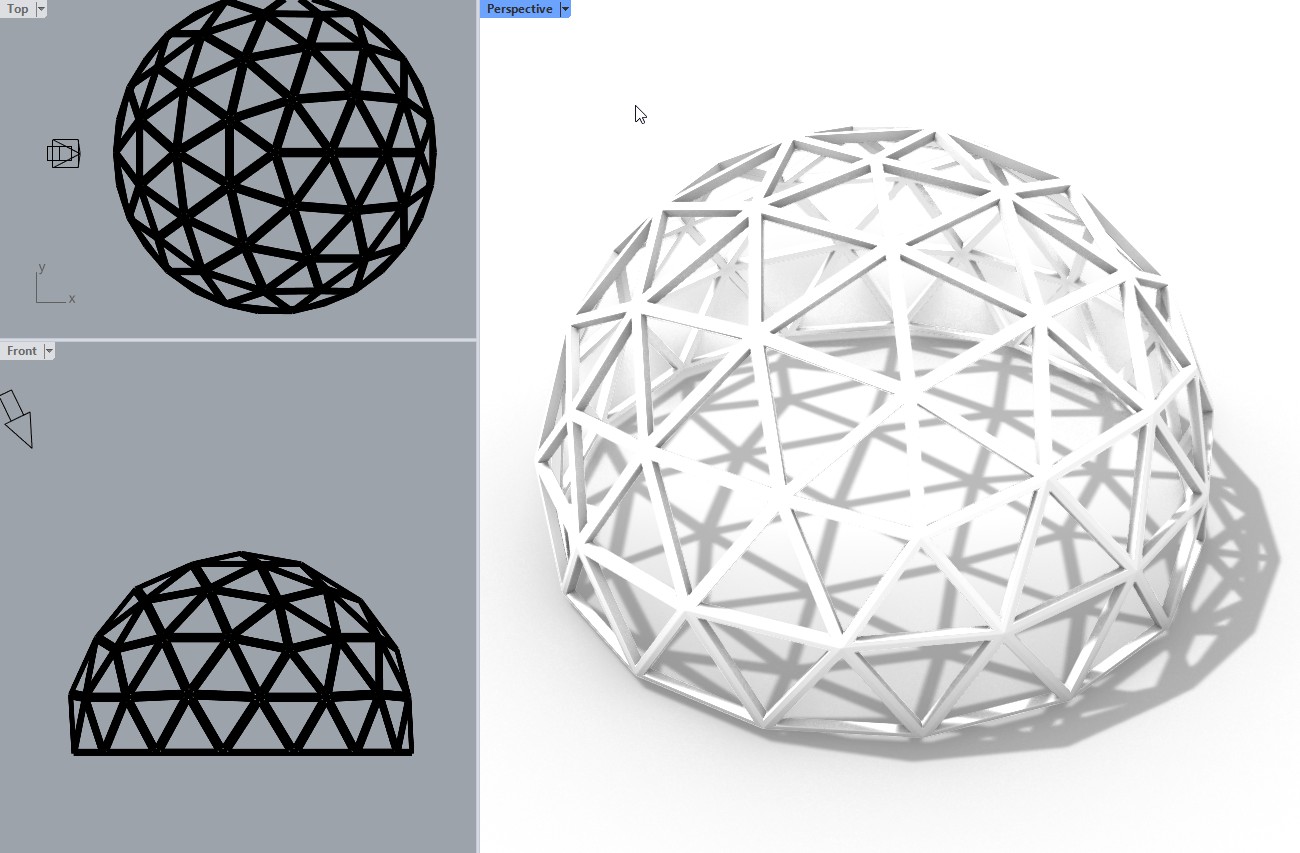
Can someone help me in achieving this kind of display view mode, help! i found it and its very cool.


3 Likes
Also, check out this thread: Share your custom viewport modes here
1 Like
Perhaps the Rendered 4 and Rendered 5 display modes posted here may help you achieve similar looks. Note that if you play with the “Shadows” settings you can get a closer look at the cost of a heavily reduced framerate. You can also hide the isocurves if you wish. Both display modes are primarily made for modeling, hence the isocurves are visible, and the shadow quality is optimized for fast framerate.
This it looks really more a rendering than a viewport preview.
The smoothness of the shadows aren’t achivable with just a opengl preview.
It also looks like there’s a ground floor reflection, another things Rhino won’t be able to do as rendered preview.
You can do this, and far more, with a Cycles (raytaced) viewstyle but you loose the interactivity.
Anyway, yes it’s a really cool look.
