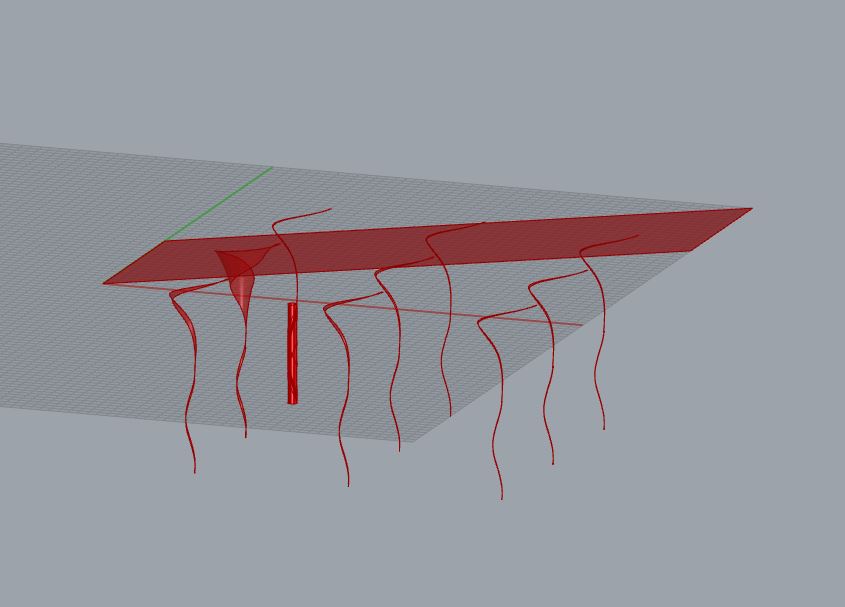
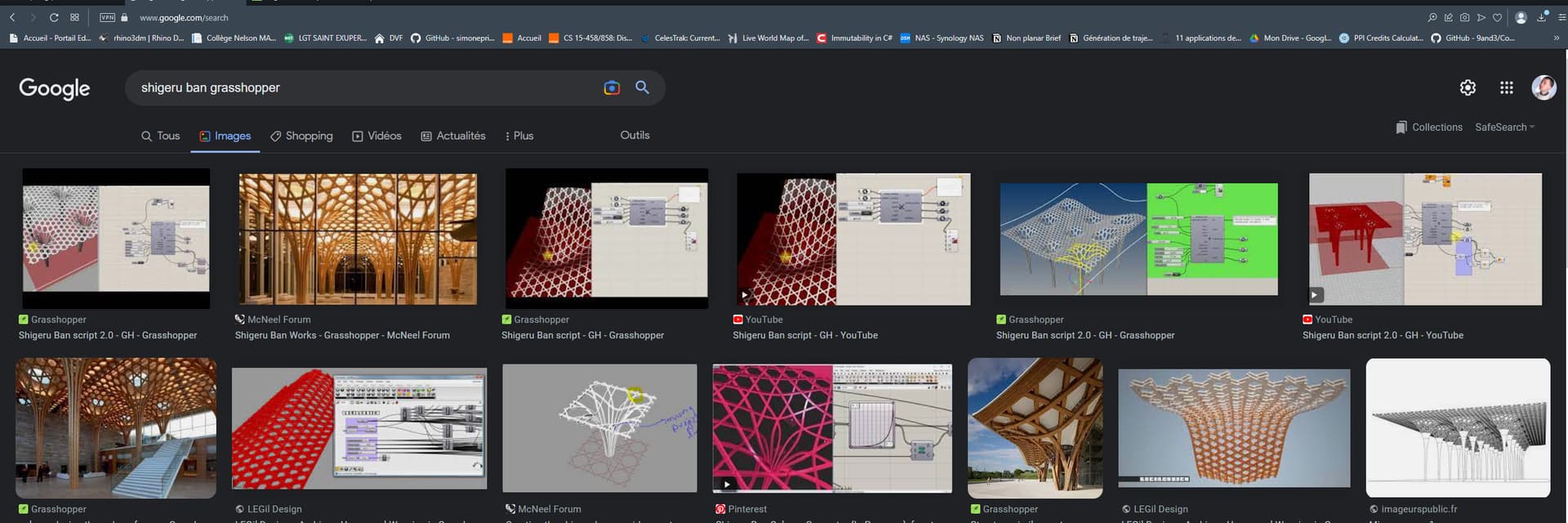
I am trying to create a pattern similar to that of the Nine Bridges Country Club structure, and morph it onto a surface resembling that structure, I have tried a few different approaches, but when it comes to morphing the pattern to fit the surface, the results always come out awkward and unexplainable, atleast to me. I am quite new to grasshopper, only working on it for the past 2 days, so any help or advice would be appreciated, on how to fix this issue. What am I doing wrong? Any way of making this work and making it more efficient?
Hi, thank you, I did actually try looking for them at the start, and did look into a couple, but I couldn’t find any that didn’t use external components, whereas I was trying to approach this problem with existing grasshopper components only.
I understand your approach, but it will not be simple. I thing you must try to focus on one column and a square or rectangle shape around and then make a rectangular array.
Work first with curves, then you could sweep/extrude the beam shape.
Thank you, I’ll try this approach, do you have any potential tips on manipulating the curves from the pattern to fit the column shape? Is there something similar to Rhino’s FlowAlongSrf or do I have to take a different approach to creating this pattern net of curves, since from my understanding Surface Morph only works on objects with volume?
I never look closely to this architecture. But from what I see there is a repartition of beam around a circle (the column)
Knowing the beam width and thickness will give you the column radius. Or knowing the radius you will have the width of beams …
Then I’ll make curves. As there is surely a symmetry, you can draw just one curve.
…
Whatever it is, first thing is to look closely to the geometry, documentation references … From above does the curve are straight ? does the beam twist ? … Then think of a way of doing.
That’s an interesting approach, I haven’t thought about doing it this way, thank you, I’ll give that a go and see if I can make it work, the silver lining in this is that I just want to work on this to help understand the workflow in grasshopper, as it seems different to rhino, and allows for interesting interactions with manipulating components to make the end result change accordingly creating good early design stage inspiration.
Oh, that’s an interesting result, not quite perfect, but I think I can look into the components and principles used and see if manipulating it helps creating the desired outcome, thank you for this