Piotr
February 5, 2025, 1:42pm
1
I can only see them when I switch everything off.
maje90
February 5, 2025, 2:38pm
2
Piotr
February 5, 2025, 2:52pm
3
It seems like there is no solution to it without involving Python :-/
wim
February 6, 2025, 8:14pm
4
Hi Piotr -
I’ll need more information on this one…
-wim
Piotr
February 7, 2025, 8:45am
6
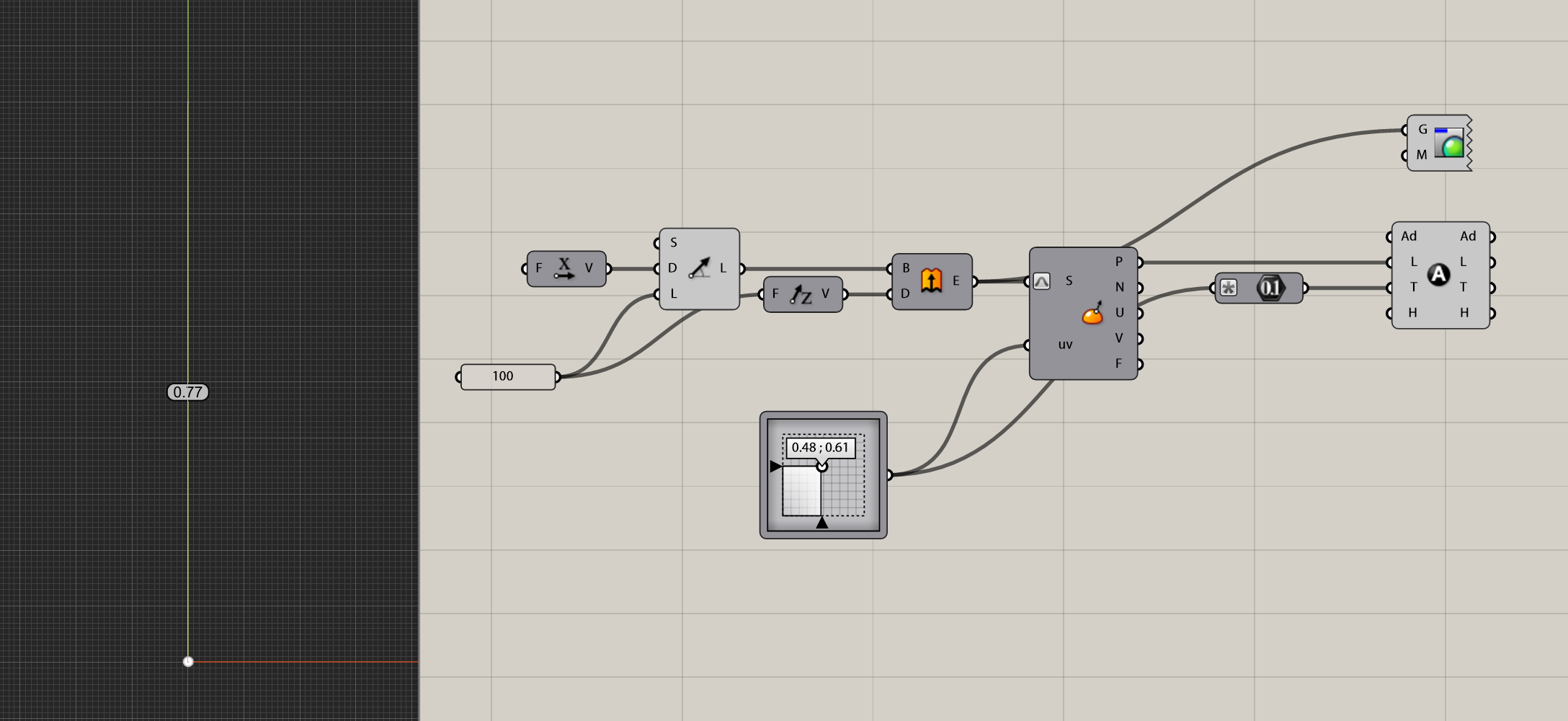
Here is the simple example: Annotation Dot placed at a surface point:
You can see annotation dot as long as it is larger that object in the scene, otherwise it is being obstructed:
After removing the Custom Preview component
kike
February 7, 2025, 3:35pm
7
Hi @Piotr ,
Text dots should display always on top of the model.
Piotr
February 7, 2025, 3:49pm
9
Perfect.
kike
February 7, 2025, 4:01pm
10
There is no text to display but there is a text dot there.
You can always Cull your input before like this.
Piotr
February 7, 2025, 4:06pm
11
I am used to clean solutions delivered by Elefront, but I have to live with V8 and adjust.