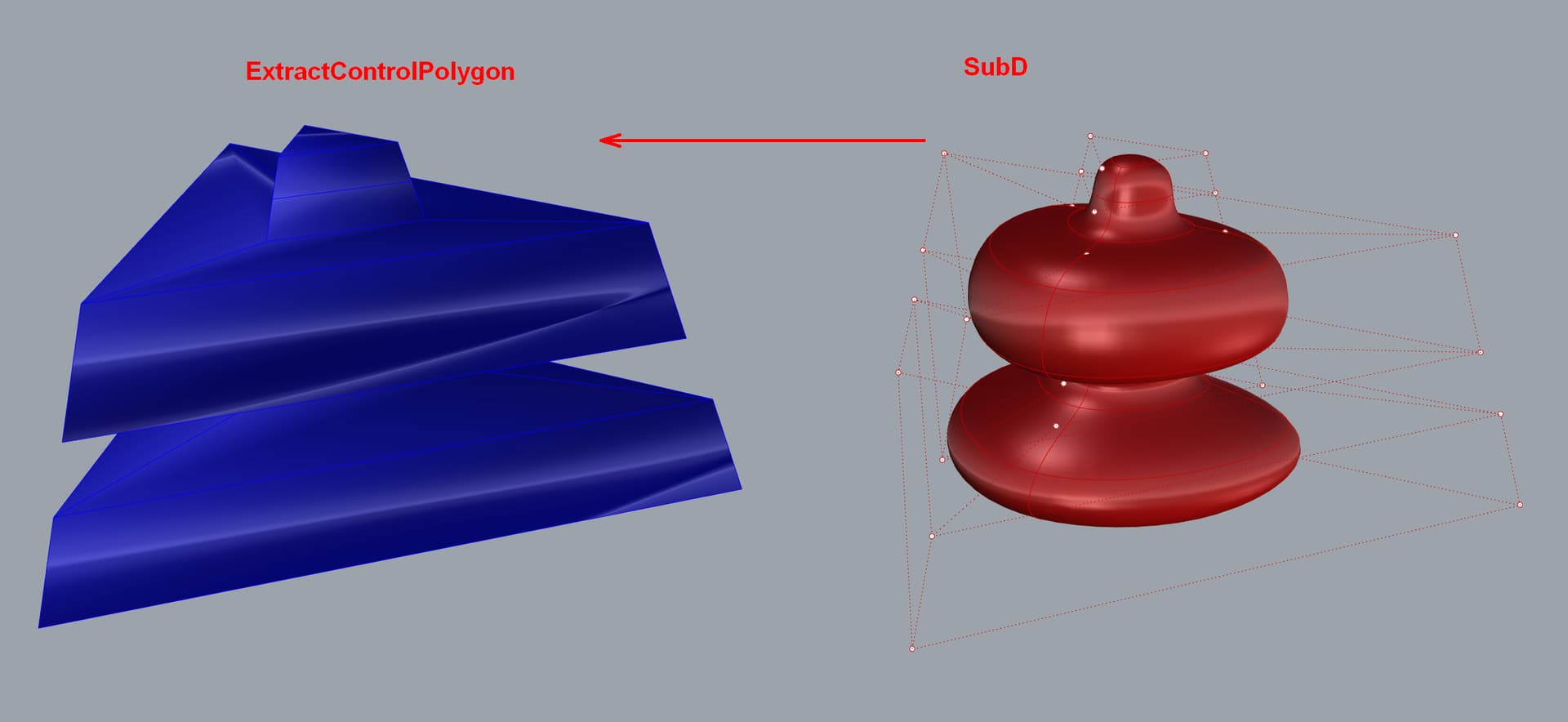
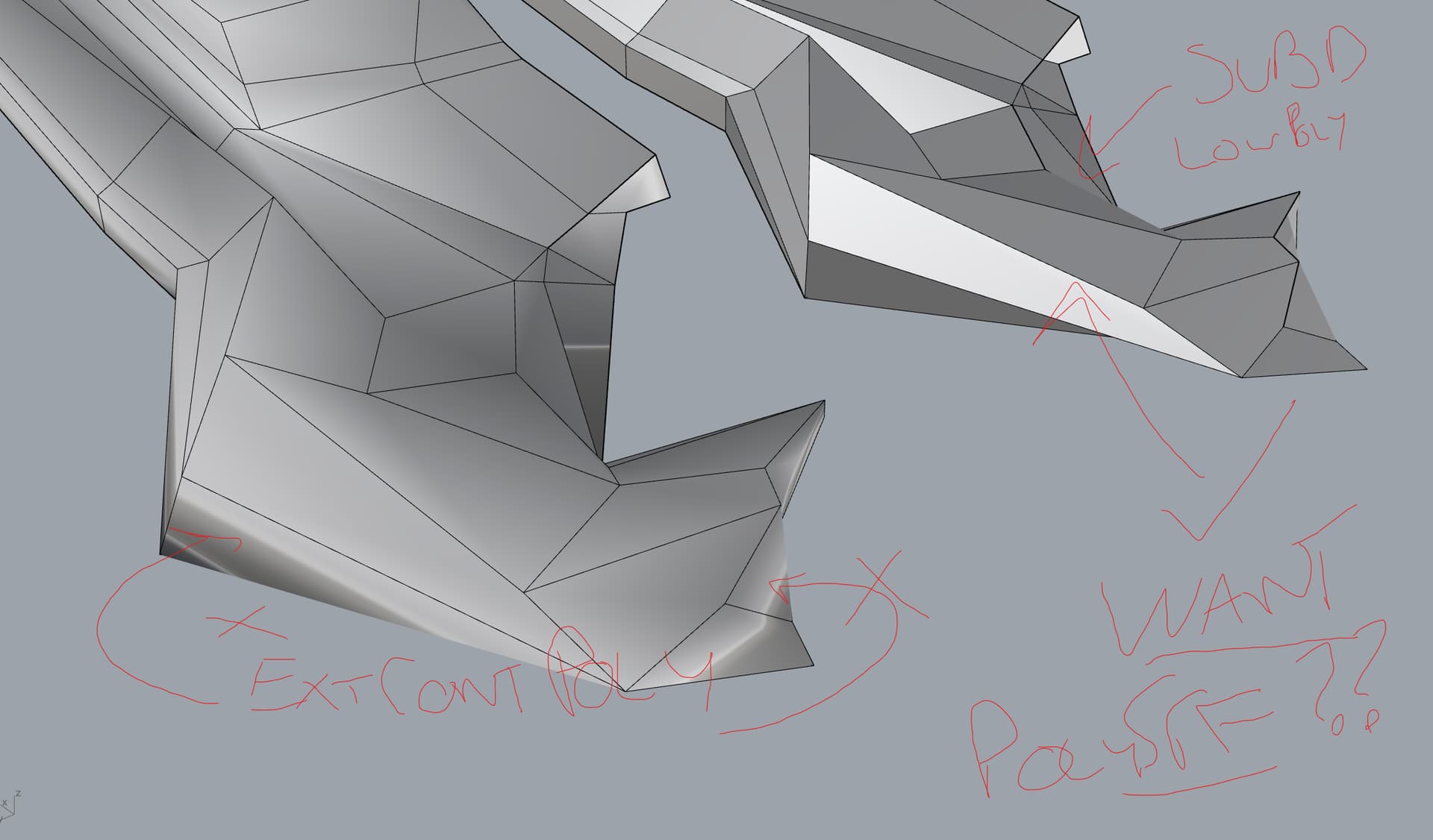
Is there a way? Need the left geometry as a simple mesh in exactly this configuration or polysurface.
Thank you
PS: left is just not toggled smooth.
Is there a way? Need the left geometry as a simple mesh in exactly this configuration or polysurface.
Thank you
PS: left is just not toggled smooth.
Thank you @lucio_zadra - works like a charm!!!
Run the Unweld command on the extracted control polygon mesh to remove the smooth shading. ToNURBS will convert it to a polysrf too if needed.
What you are seeing for the result of ExtractControlPolygon is truly the low level mesh, but it has smooth shading applied (i.e. the viewport assumes the vertex normals of a mesh are the average of the face normals in the vertex’ neighborhood). The flat display mode of SubDs uses flat shading instead to display the same low level mesh (i.e. vertex normals are not used, each face is displayed with a constant normal all the way to its edge).
Both are really showing the same geometry data, just with different display techniques.
You can switch to flat shading in your viewport using the FlatShade command or by changing the display options. Flat shading might not be available on Apple GPUs when using Metal.
UnweldEdge or Unweld will duplicate edges and vertices, creating multiple discontinuous vertex normals, so that even in smooth shading mode mesh faces show up as flat. It changes the data, and importing that mesh as a low level SubD control mesh in Rhino or another software will probably crease that SubD edge.