In Revit, when you dimension a family and then edit that family, the dimensions are automatically updated.
When I create a family in Grasshopper using Rhino.Inside and then add dimensions in Revit, the family will not update. It is as if the dimensions lock the family. When I override the family, the dimensions are then deleted.
Is this a bug with Rhino.Inside? Or am I missing something?
We recently released a new version that updates the family elements geometry instead of delete previous geometry and create new one.
This should fix your problem.
Please test ti and tell us.
@kike, is this still an available feature? Once I adjust geometry in Rhino/Grasshopper and overwrite Family Geometry through Rhino.Inside, dims on revit are deleted. I wonder if I am doing something wrong, or this feature is no longer available.
Hi @Kike,
Thank you for your quick response.
I still have trouble keeping the references.
Even without changing the shape of the referenced geometry in rhino, as I reconnect the geometry to brep on famform component, all the dimensions on Revit get deleted. Is there something I am doing wrong?
I see. What would be another way to place families in various locations without using ‘Add Component(Location)’? Is there a way to apply subcategory on Direct shape? I hope to use object-style settings but without subcategory, it will be hard.
I added some more logic in that component and now it should be able to reuse the previous iteration element as long as the Level and the Host are the same.
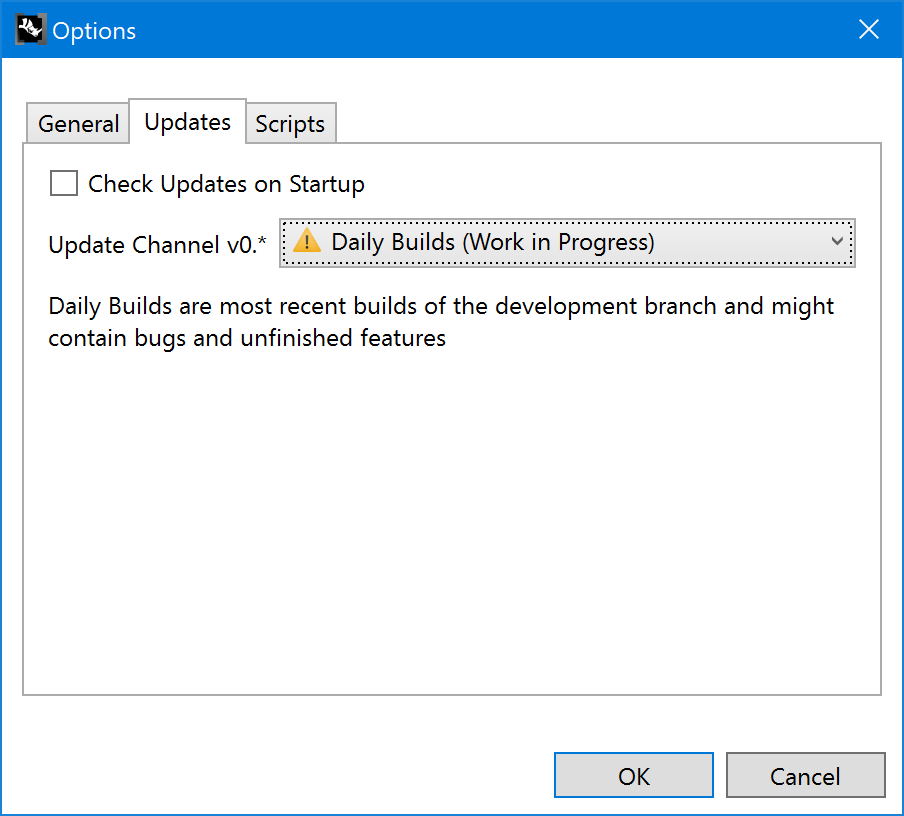
This fix is in v0.5 right now, so only on the Daily channel.