Hi Kyle, all,
I don’t know how patent drawings are done in other countries but in the US you don’t need the stippling, in fact, you don’t even need a specific shading type of drawing, however, there are situations where the linetype does matter, and that’s only in design patents.
Here’s an example of one of my old (expired now!) design patents, all the solid lines means that those are defining edges that the patent is trying to identify as protectable invention:

you will also see parallel shading lines that are not touching the solid edges lines. Those don’t have to be parallel and can be in any direction, the can even be shading (like a shaded viewport) AFAIK
full patent will all illustrations here:
soundDock_USD514090.pdf (336.3 KB)
Now look at this other design patent example, where non-patentable elements are purposedly left as dotted lines, so the focus of the design patent is ONLY on the solid line stuff:

full patent will all illustrations here:
bose700_USD840973.pdf (260.6 KB)
We could argue about how useful design patents are, but more importantly you all should know that they really aren’t useful unless you have an army of lawyer to defend them, so in this case I’d better leave it to those lawyers to tell you specifically want they want you to draw, and how.
I’ve done design patents artwork, but it was always different, and always based on what the experts wanted me to capture, and not capture. So I’m not sure there’s a good automation workflow in place here, other than being able to using solid vs. dotted lines to various edges of a model.
Now, let’s talk about utility patents: These are the more important ones, and for these any drawing still works, even photographs are now accepted as illustrations.
Here’s a utility patent that I did by myself, it was all done in Rhino with Technical view and the shading lines were curves in the model.

full patents here:
tablet_stand_rhino_generated_US9335791.pdf (3.2 MB)
in this case the shading still is not important, it’s all about capturing the idea in the most unequivocal way possible (unless your strategy is to be ambiguous, but that’s a separate topic).
Here’s another utility one, where I gave the lawyers a few technical view captures and their illustrators added some extra shading lines:

full patents here:
thumbcam_US10075624.pdf (1.7 MB)
You can also get a different style perspective from sites like patently Apple, you will see they are even using shitty drawings and/or colors these days:
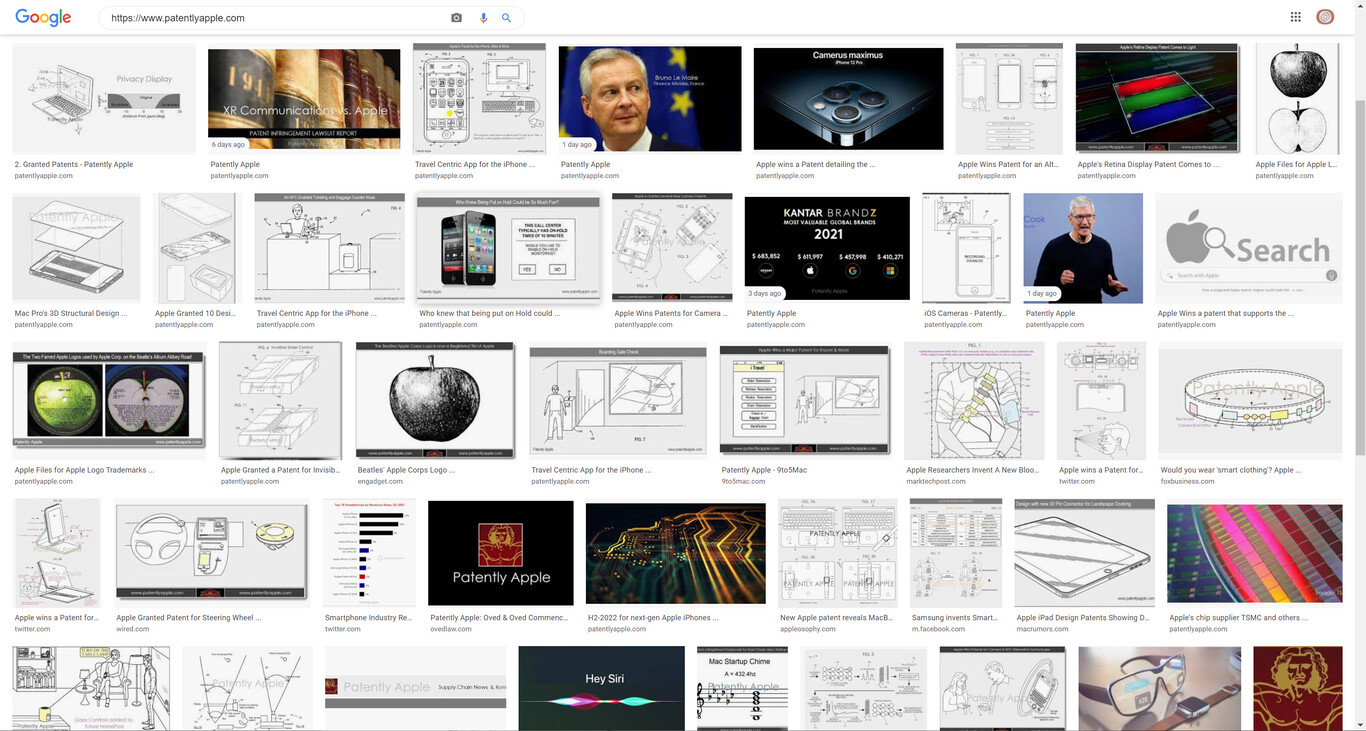
If you chase some of those Apple patents you will see that the nicest drawings are the design patents and you will also notice the difference between solid line (= we want to patent that!), dotted line (= that’s in the product, but if it was different that’s fine, it’s not defining the design elements we are patenting), and shading lines (usually not touching the other lines). The whole stippling thing… it’s more of a Wall Street Journal look, at least on this side of the pond.
I hope this helps,
Gustavo