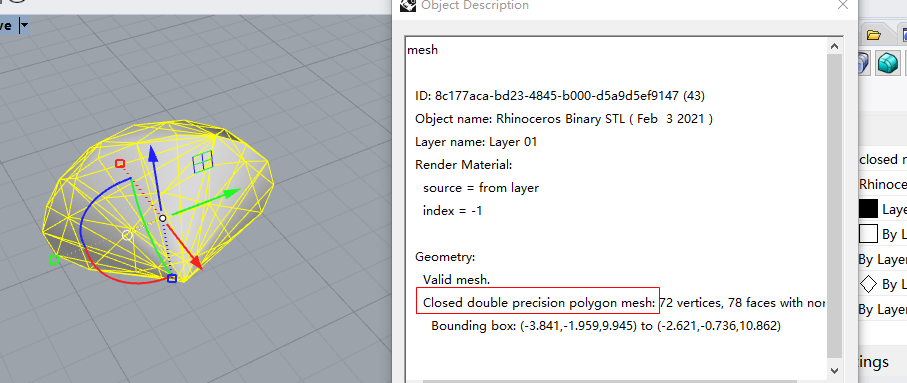
Good day, I have a solid mesh when I import it from a *.stl file. It’s solid but the direction is reversed. I can use _Flip or _FillHoles Command to make it right easily. But I can’t get the right result in my C# project. mesh.Flip(True,True,True) or mesh.Fillholes() don’t work. Does anyone meet this question before?
Did you understand that Grasshopper is working on a copy of the Rhino object? So if you make modification on the object you’ll have to bake it in Rhino to have it modified. So you’ll have 2 objects in Rhino.
What do you call Rhinocommon. Inside Grasshopper it is Rhinocommon.
Do you you mean working with RhinoCommon inside Visual Studio ?
Does item.Mesh() return a reference or a new mesh.
How can you know the mesh is not flipped ?
…
It is very hard to decipher your problem with limited informations.