ctu6
May 17, 2023, 12:40pm
1
Hi there,
Just wondering if there’s a way to retrieve element’s unjoin geometry,Exclude windows and doors)
Japhy
May 17, 2023, 2:10pm
2
Its what you see is what you get in this case. The Element Solid doesn’t have multiple states (joined/unjoined) at the same time.
ctu6
May 18, 2023, 5:08am
3
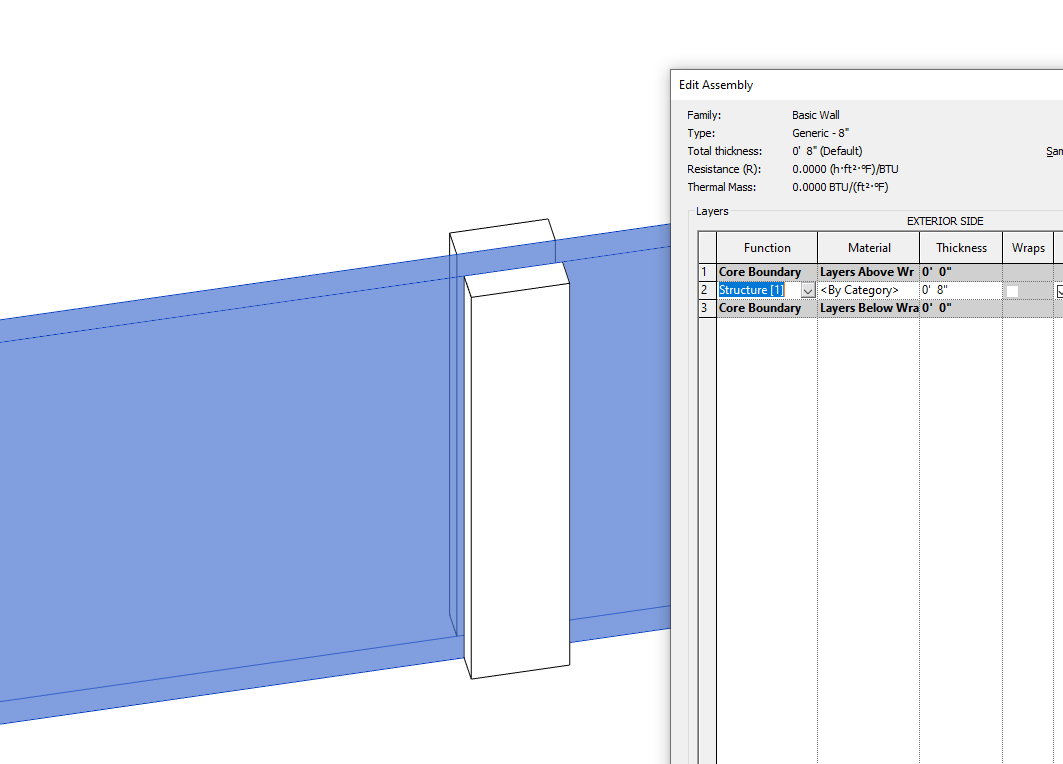
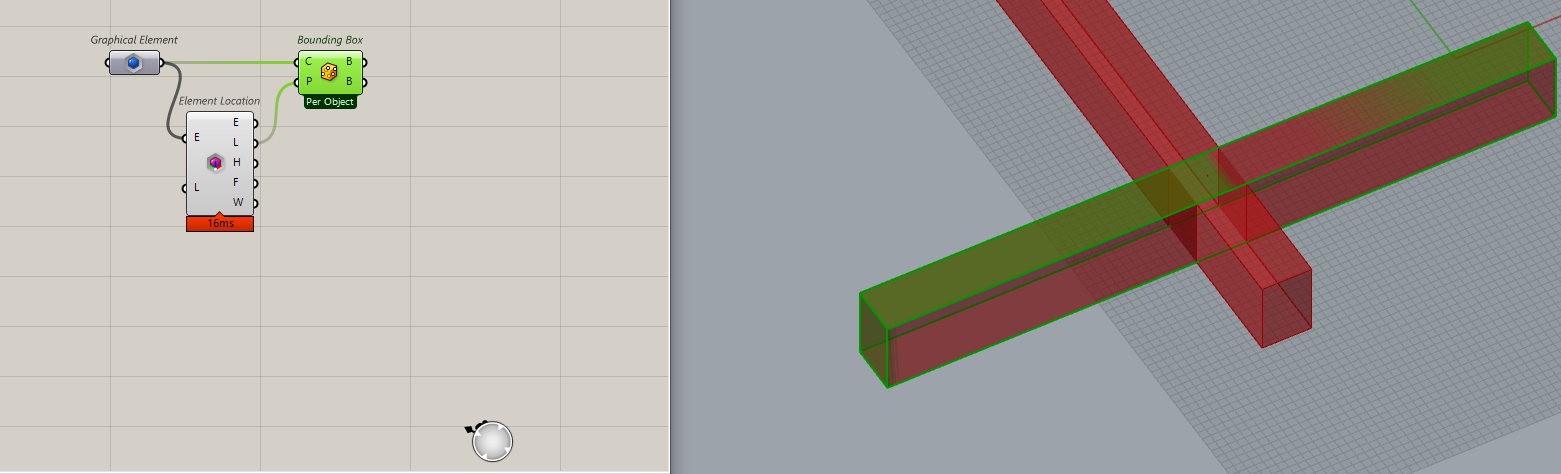
So what if there are beam geometry like this (1 brep but 2 solid)?deconstruct brep and then brep join to make them valid?
Japhy
May 18, 2023, 12:38pm
4
It hard to give a good answer without additional information. Can you post a small example of the condition in Revit? Thanks.
It seems like you would change the structural priority for the cleanup.
ctu6
May 19, 2023, 2:23am
5
Hi @Japhy
BEAM JOIN GEO.rvt (1.5 MB)BEAM JOIN GEO.gh (9.6 KB)
Japhy
May 19, 2023, 1:14pm
6
In this case you can get a bounding box of the Element, using the element plane ensures non-xy oriented beam get output correctly.
ctu6
May 19, 2023, 2:44pm
7
Here I used simple rectangular as beam profile,
But for future cases, like say different shape (I-beam, or rounded) then bounding box won’t be satisfied.
Japhy
May 19, 2023, 2:52pm
8
You’ll need to split or unjoin your Revit Elements then.