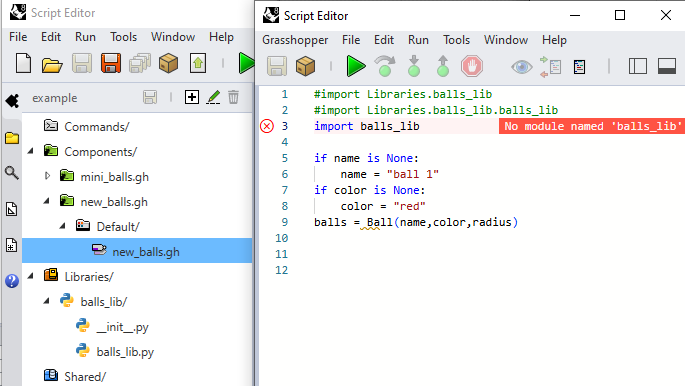
I am trying to create a component plugin for Grasshopper using Rhino 8’s project publishing option.
According to the documentation, components can be created from a Grasshopper definition using contextual inputs/outputs. In my particular case, my input is an object from a Python class, so the available Grasshopper components are not suitable. The “Get Geometry” component seems to be the most comprehensive, but it still does not support processing data types that are non-native Rhino objects. Is there any option that could resolve this problem? Thanks in advance
What kind of input are you trying to provide to the component? A simple Grasshopper definition example would be great so I can understand the context better
This is a small example that simulates the problem. I’m attaching the .gha file, the scripts for the components that make up the plugin (new_balls and mini_balls), and an example of use (which doesn’t work) using the compiled components. It doesn’t work because mini_balls takes a custom Python object as input that I cannot reference.
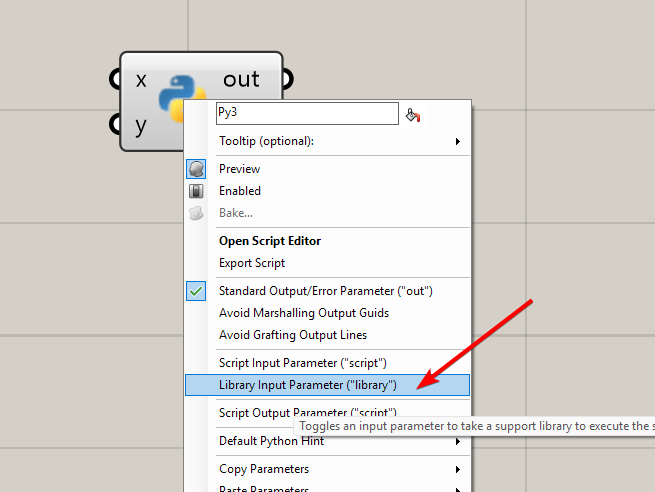
Another related issue is that the “Ball” class should be a library, imported from the script within the definition of “new_balls.gh”. Somethin like this: