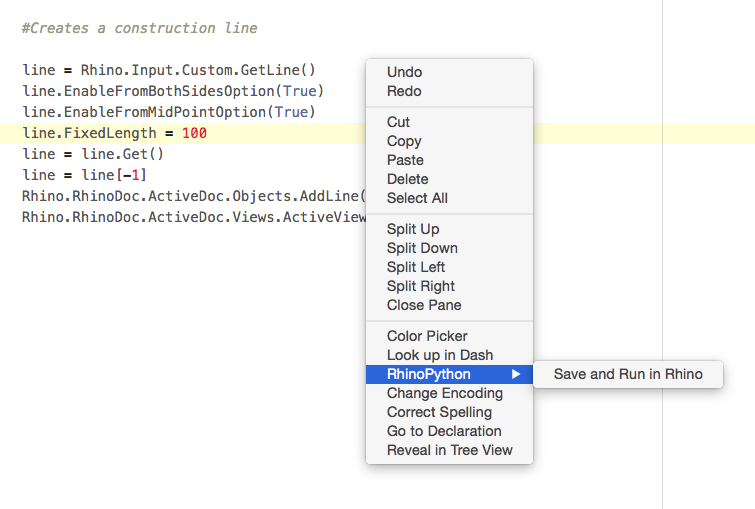
I only have 1 or 2 scripts tied to icons, like above. I find it way quicker to just right-click in Atom to run any script I have open there. Like this …
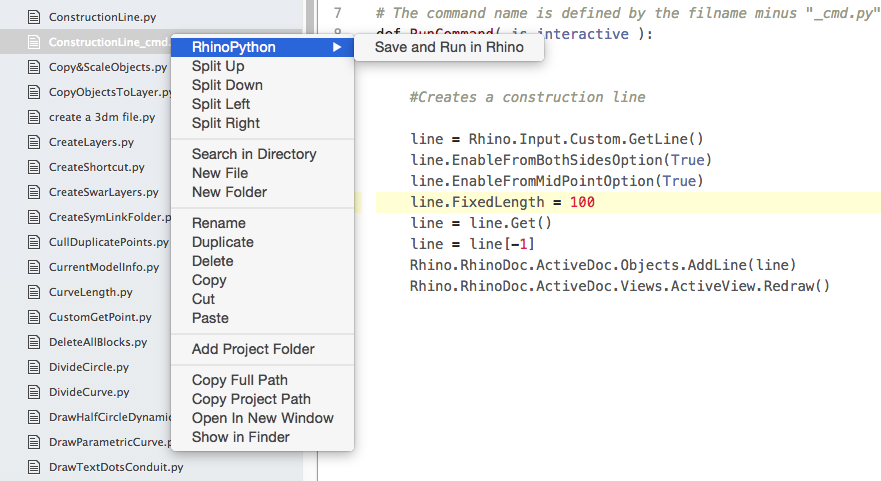
You can also run them from the Atom sidebar by right-clicking …
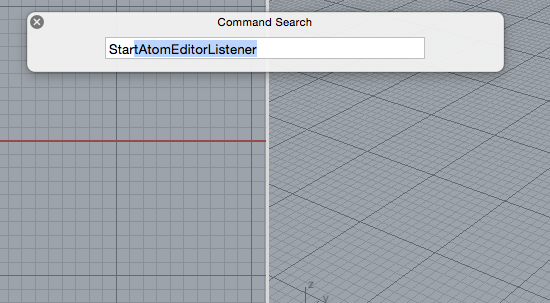
You do have to make sure Rhino is listening to Atom though, by running this command first …
If you don’t have Atom set up, read this thread
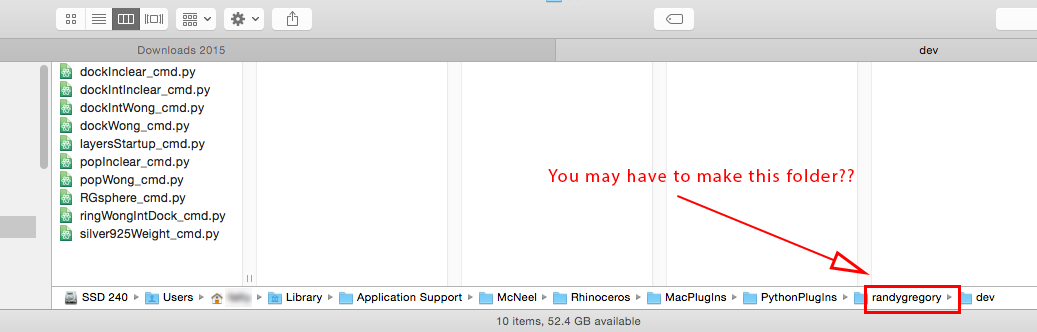
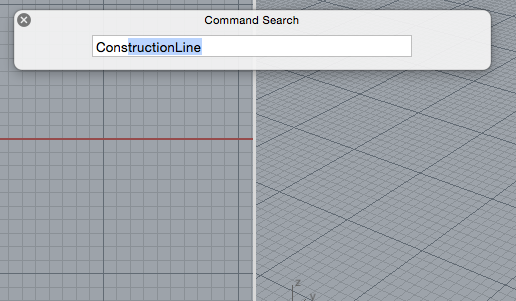
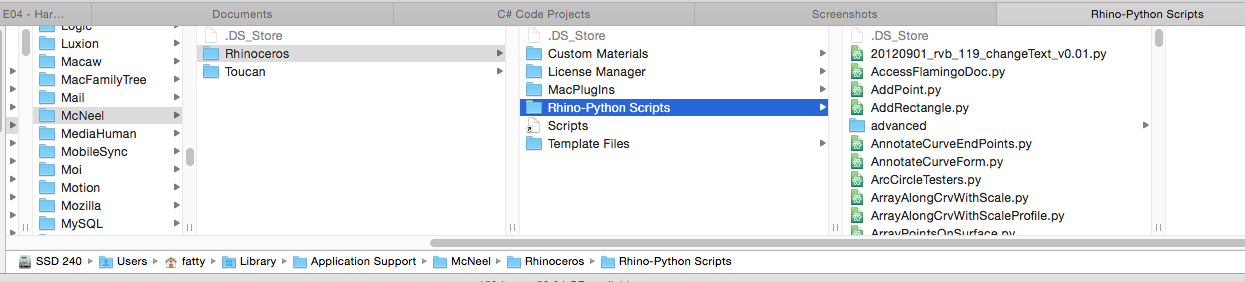
All python scripts that have the suffix _cmd after their name, like the ConstructionLine script above, means they are put in a special folder … It should be your name, not mine 
I can’t find the page where this is explained, it was the old RhinoPython pages, where to put these scripts.
and can be run from the command line …
All regular scripts go here, my folder name is linked to the folder in my Dropbox with an alias. This is described in the post linked earlier. This way I have the same scripts at home and at my office.
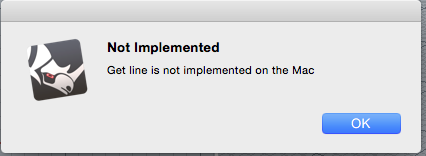
Now getting into the “GetLine” not working on a Mac, any ideas @pascal, @dan on how to get this implemented on a mac?
Code:
    line = Rhino.Input.Custom.GetLine()
    line.EnableFromBothSidesOption(True)
    line.EnableFromMidPointOption(True)
    line.FixedLength = 100
    line = line.Get()
    line = line[-1]
    Rhino.RhinoDoc.ActiveDoc.Objects.AddLine(line)
    Rhino.RhinoDoc.ActiveDoc.Views.ActiveView.Redraw()