Jean5
December 15, 2022, 11:25am
1
Hi
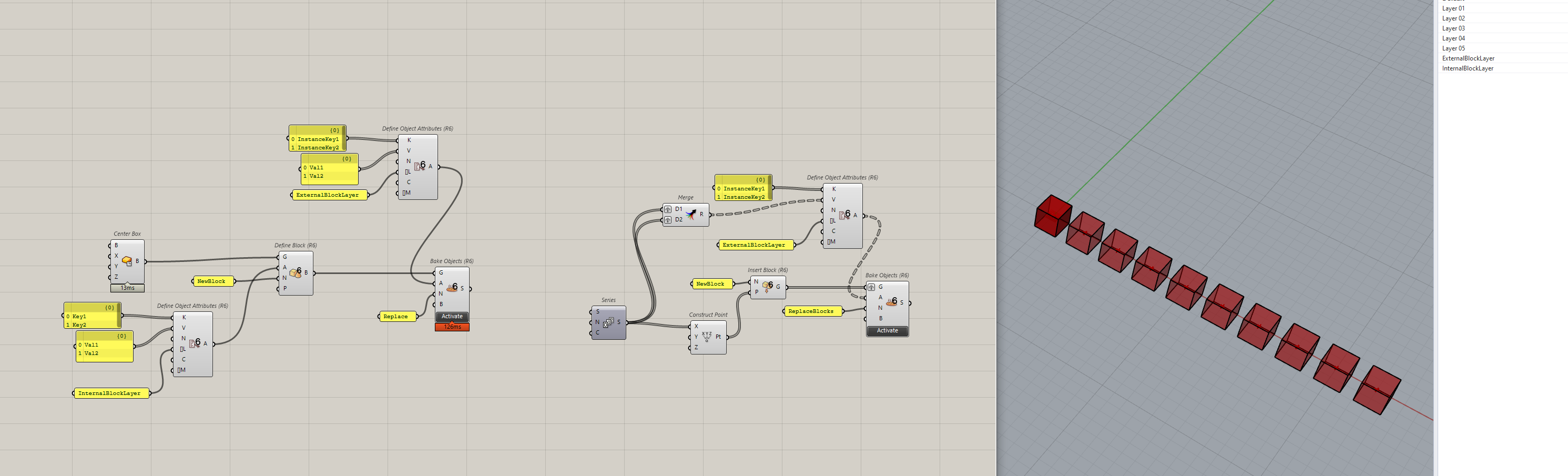
Is it possible to create attribute texts in blocks with grasshopper? as image attached
thank
Japhy
December 15, 2022, 7:39pm
2
You can assign attributes like so using Elefront 4.3
re_makeBlocksWithAttributes.gh (11.9 KB)
a text field can read the attributes of the instance values or block values.
Rhino - Enhanced Text Fields
Jean5
December 15, 2022, 11:23pm
3
Thanks Japhy!
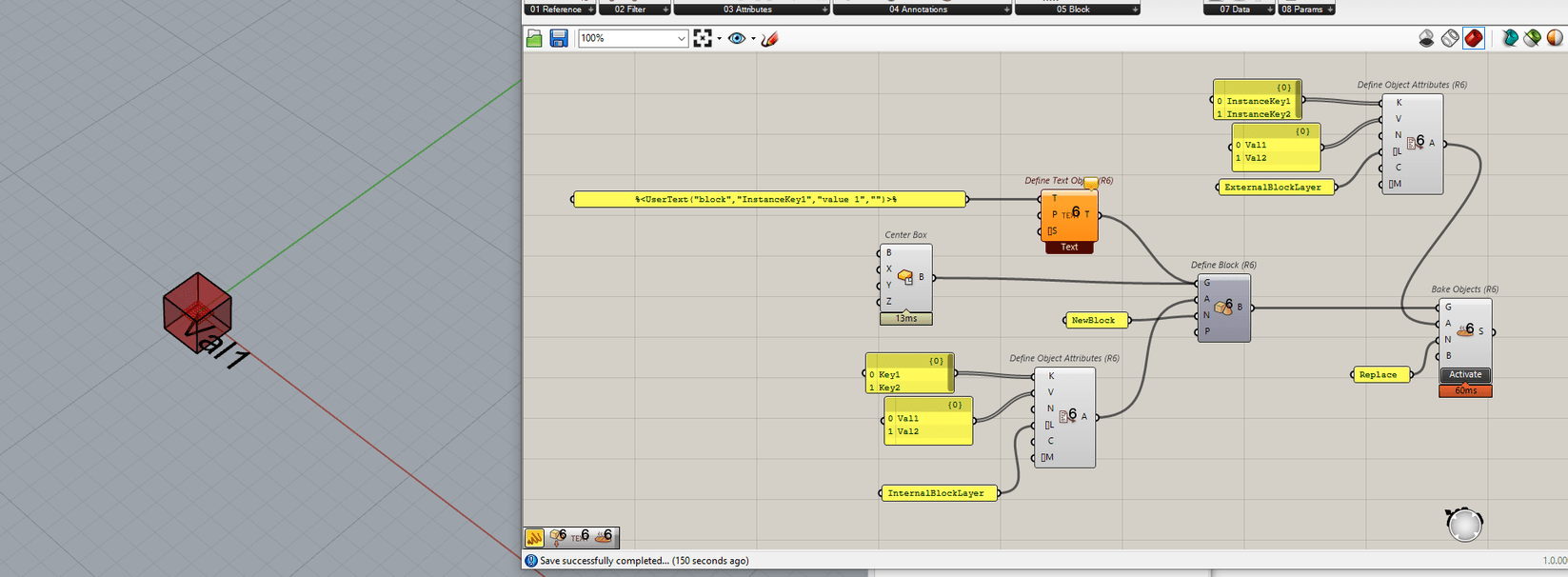
But I’d like to do something like this, bake a 3d editable text in the blockBlock attribute Elefront.gh (23.6 KB)Untitled.3dm (105.1 KB)
Japhy
December 16, 2022, 8:55pm
4
The text would need to be part of the block, not the instance.
Japhy
December 16, 2022, 9:02pm
5
Do note that in Rhino 8 this workflow is much improved.
mattgaydon
November 11, 2025, 12:18pm
7
Hi @Japhy
Japhy
November 11, 2025, 12:50pm
8
Hi Matt,
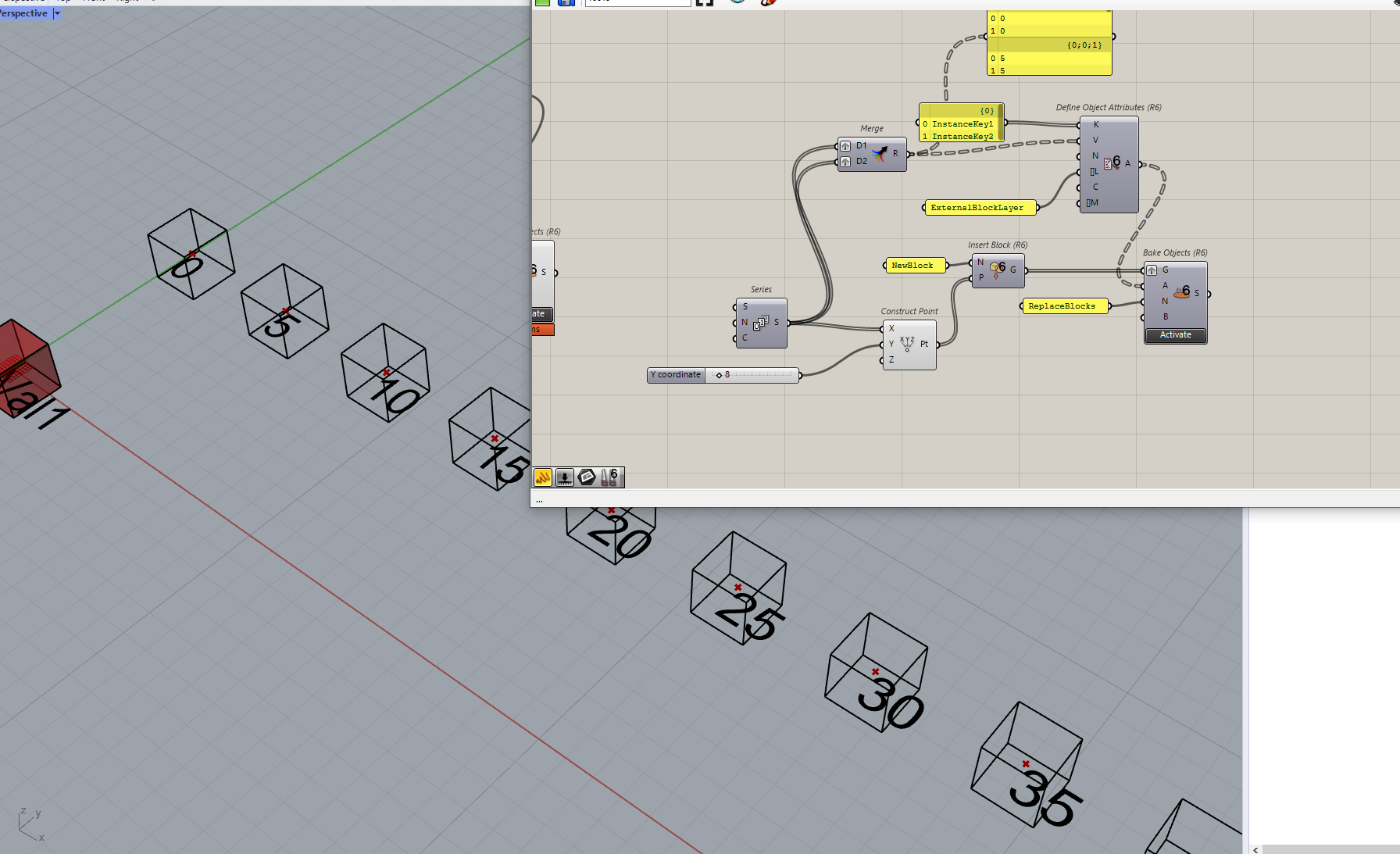
That is possible, here is the setup..
The ‘Key’ relationship here is the User Text that is on the block.
This key must exist and match the Text Field.
[image]
BlockAttributeText Text Field
[image]
The expression created holds the Type of Text Field (UserText) and its Variables.
block denotes that its a BlockAttributeText
KeyName is the Key and is required
NotPartOfTheUserText is the prompt, not required
None is the Default value, also not required.
[image]
The prompt is important if you when placing a new block with the …
mattgaydon
November 12, 2025, 6:59pm
9
That’s a great start,Thanks. I have been able to set up the block so I can manually change the index, but I don’t seem to be able to control the user text per instance inside Grasshopper in the same way. Is this possible?
Blocks.gh (8.4 KB)
Block.3dm (59.5 KB)