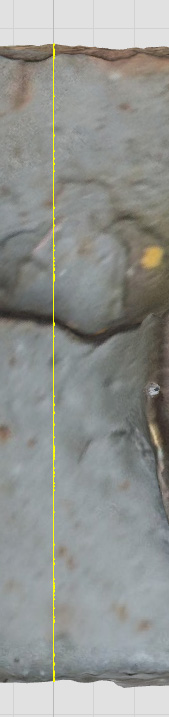
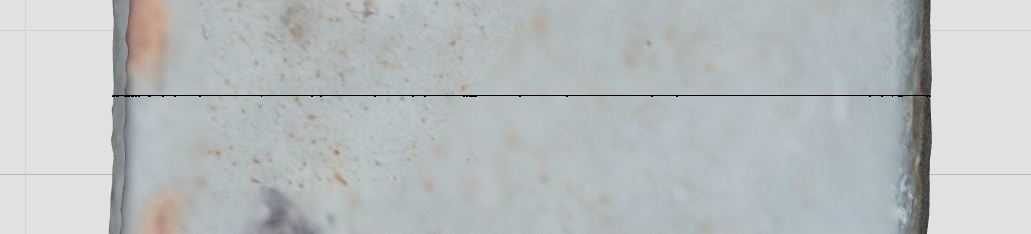
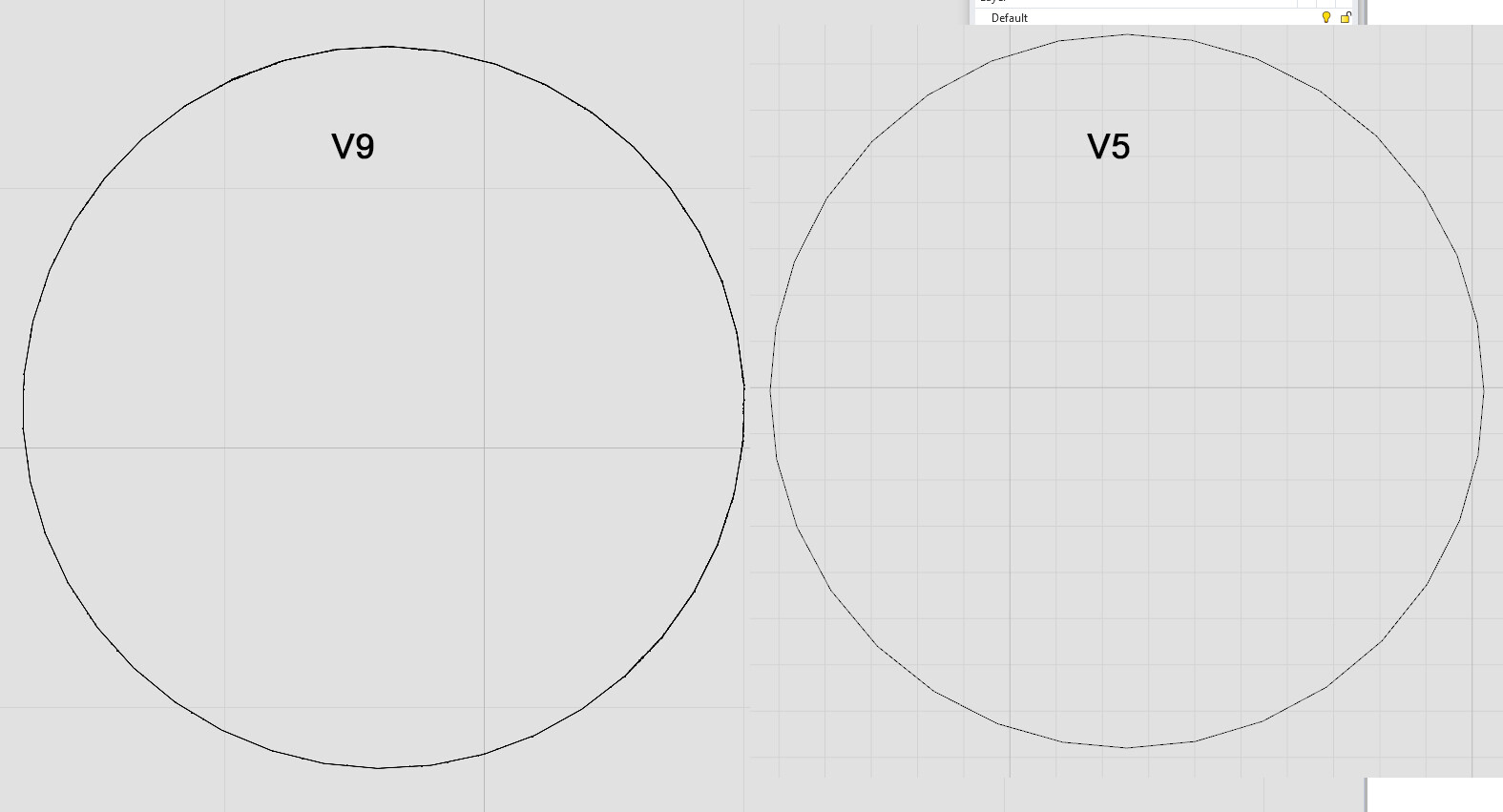
The poor line from project to mesh we get, looking like ants on a fishing line,
surely the latest update would fix this, was my hope., after discovering V8 did this, many months ago now. and having had it put fwd as a bug fix.
Just got an update flash so ran it. alas still no fix.
Lines in V5 are pure sweet things as one qwould expect in a pro CAD prog. no iffy areas causing doubt and a need to zoom in and check, and even then a projected line is still a mess.
changeDegree has to be used on each and every line I make, AND i MAKE HUNDREDS !
This issue has lasted months and months. When is it to be fixed ?
Dissapointed.
I have loads of these to still make, loads of meshes to work with,
just imagine yourselves having to select command DegreeCurve each time you draw a line.
Can it be a command runs automatically when I project line to mesh, to select line just made and make it Degree2, so removing the static ants ?..(knots in cotton )
What priority has been given to fixing this issue, which DIDNT EXIST IN V5.
From the description here, it looks like Gijs filed this as RH-83262 Curves are thickening when zooming out
That issue is currently set to 8.x. From reading that report, it looks like a fix was attempted in Rhino 9 but did not work.
Also from that report, it looks like using a linetype that is set to use world units instead of pixels makes this behavior go away. You’d have to create a new linetype, set that to, e.g. mm, and apply that to curves or layers.
-wim
That doesn’t look like the same issue as that report had to do with very dense polylines. I did make some changes to attempt to improve visual quality in 8.22. Are you using 8.22?
Hi, I am with
Version 8 SR21
(8.21.25188.17001, 2025-07-07)
updated yesterday following an update available prompt.
If I go check for updates it says its up to date.
so where does one get 8.22 from ?
…and projecting a line I just have drawn to a mesh, I get the knots in cotton effect.
Then ChangeDegree to 2 fixes it.
Rhino5 doesnt have the problem.
I don’t know if this is going to solve the display issue for you. I did work in 8.22 to try and address wire drawing quality, but it is difficult to know if that fix will remedy the screenshots you supplied. The only way to know is to try.
Ok,
however I launch V8, go check for upates, and it says its up to date ! @stevebaer @Gijs
and I cannot find the thread where, either you or Gijs asked to trial V9 and report back on does it fix the line quality issues.
any idea where that is as I have a load of visuals now to upload.
I have put them in this thread about V8 line quality.