Intel Arc GPU is finally supported?
That’s up to Intel.
Supported for what, the display? Cycles rendering?
It seems unofficially both yes, to a point, and no.
If you search here, you find my story of the A770 usage, which I was rather happy with generally. My faults turned out to seemingly be a Rhino issue, as the same occured on my Nvidia card.
For rendering, Rhino 8 was planned to support Arc I recall, but it was never fixed. So somewhere in Cycles, the Arc code is there, and hidden.
I can’t imagine that Rhino 9 will include it either, given that the new Cycles version has already been rolled back once for Rhino 9 WIP. But again, as it comes from Cycles anyway, it should always be theoretically possible. But that depends if any devs actually have an Arc GPU.
I wondered this for a while, as I do see many more Intel Arc mobile shipsets now, especially in thier Lunar Lake series. But as a “GPU”, Arc is still rather niche. But we can only wait and hope.

Really!? Is this some form of joke?

Can you show us a render using OneAPI? If so, does this just mean OneAPI, or is Embree there too?
Is this WIP 9?
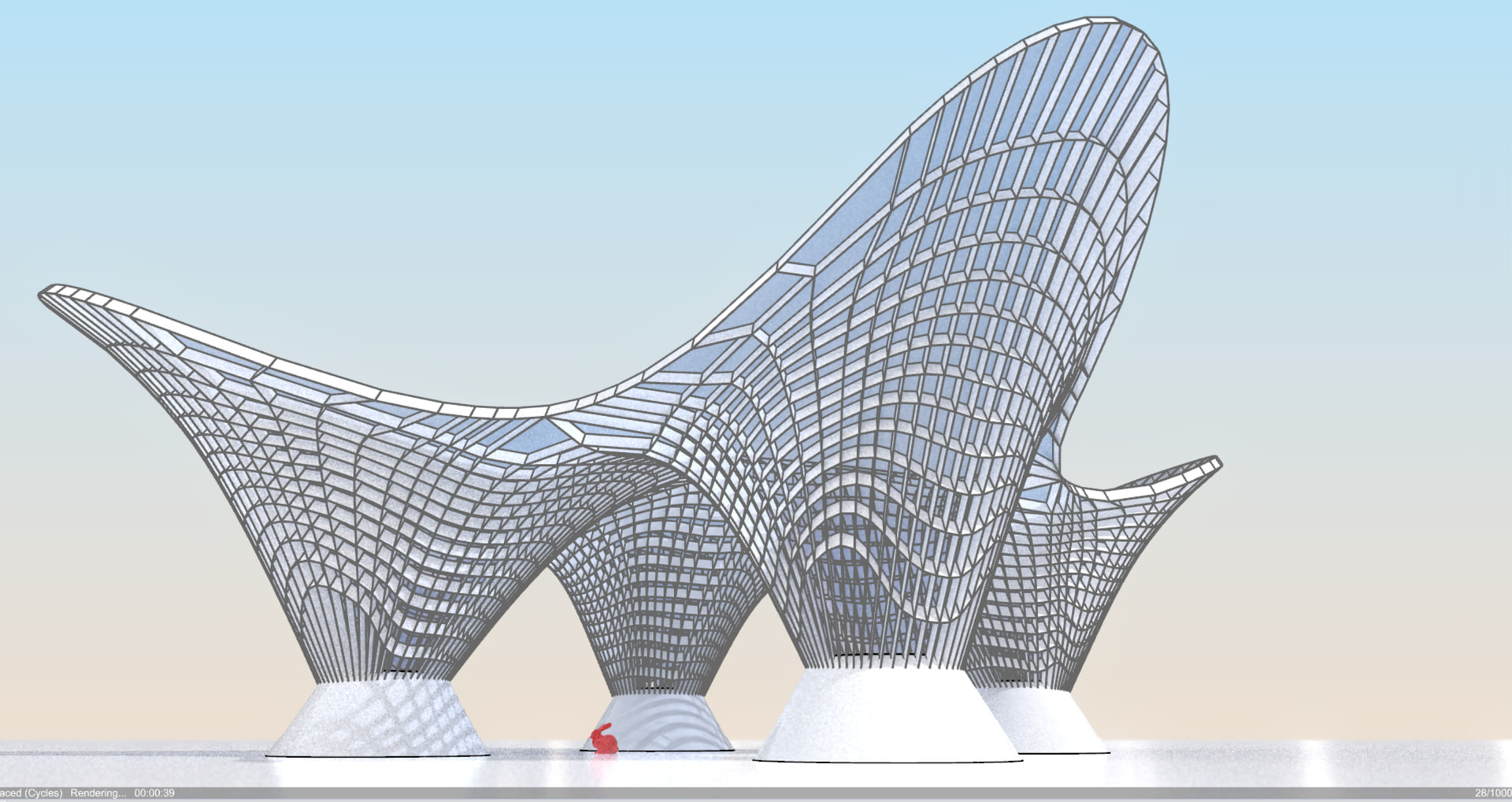

FYI, this is Rhino8, not WIP.
Awsome!
@DavidEranen Has something changed in the OneAPI approach that fixed the rendering? Or perhaps this is due to a change in the exposure of the Intel GPU. This is interesting as well, as this is just the “onboard” GPU on the CPU tile. I’d be interested to see if anyone with an Alchemist (A750+) or Battlemage (B570+) can see OneAPI.
If this is accidental, it may be a happy accident for many mobile users.
@David53 Yes, we fixed an issue that was stopping OneAPI from working.
That’s really great news Lars. Thanks for the response.
Can the Youtrack for Intel Arc be updated?
Additionally, is this meaning there is hope of Embree implementation for Rhino 9?
WOW - this is great news - I was looking at buying a new GPU this year and the Intel ARC’s are very compelling - just lack of raytrace support in Rhino was the only reason not to consider them.
Cheers
DK
I ‘thumbed up’ too soon! Moved to a newer system with i7 ultra plus (igpu) and 2x arc pro b60…now only cpu is available as render device. It has been a while since I’ve used Rhino…do I need to turn on one api/gpu somewhere? The rest of the system seems fine, latest oneapi and all that.
update:
I did some trial and error. I think Rhino is confused about how the devices are reported and making a ‘disable_oneapi’ file. Looking at the logs it seems this is common:
RhinoCycles GPU OneApi failed to initialise; disabled for next start: Native API failed. Native API returns: -30 (PI_ERROR_INVALID_VALUE) -30 (PI_ERROR_INVALID_VALUE)
Google suggests it is the igpu or maybe multi gpu device labels? We did some iteration by trying to export environment variables to limit the devices visible to Rhino but we got that error or one about not being able to use both filters:
RhinoCycles GPU OneApi failed to initialise; disabled for next start: ONEAPI_DEVICE_SELECTOR cannot be used in conjunction with SYCL_DEVICE_FILTER
In all cases I guess it defaults to the first open cl device:
Got render device ccl.Device: Intel Core Ultra 7 270K Plus (Cpu), Id 0 Num 0 UiName CPU DisplayDevice False
What makes them more compelling than Nvidia?
I’m curious as i want to build a powerful system in the future.
Nothing, except for value, in which case just get a used Nvidia.
More performance for the bucks thing then interesting 
Because of mining i avoid used gpus.
@nathancoatney Your integrated GPU fails to start which switches off the B60s too. That is a bug RH-99497.
Could you try this:
- Disable the integrated GPU in the Device Manager under Display adapters.
- Run RhinoCyclesEnableGpu command and restart Rhino.
- Do the B60s show up as render devices and render now?
Post the RhinoCycles log if that does not work, please.
Thanks.
-Lars
disabled display adapters:

I’m not sure why the basic one is there. I had some issues getting the drivers installed with windows install.
error log:
10/12/2026 7:57:07 AM :: 00:00:00.0001014 (Core) |> Running on Windows
10/12/2026 7:57:07 AM :: 00:00:00.0000059 (Core) |> RhinoCycles OnLoad entry
10/12/2026 7:57:07 AM :: 00:00:00.0000510 (Core) |> RhinoCycles OnLoad: RegisterContent start
10/12/2026 7:57:07 AM :: 00:00:00.0039495 (Core) |> RhinoCycles OnLoad: RegisterContent end
10/12/2026 7:57:07 AM :: 00:00:00.0008155 (Core) |> Set CUDA_CACHE_PATH to local path ## path removed ##
10/12/2026 7:57:07 AM :: 00:00:00.0002357 (Core) |> RhinoCycles loaded in: 00:00:00.0050710
10/12/2026 7:57:07 AM :: 00:00:00.0000003 (Core) |> RhinoCycles OnLoad exit
10/12/2026 7:57:07 AM :: 00:00:00.0004457 (Core) |> InitialiseCSycles entry
10/12/2026 7:57:08 AM :: 00:00:00.0505921 (Core) |> RhinoCycles GPU OneApi failed to initialise; disabled for next start: Native API failed. Native API returns: -30 (PI_ERROR_INVALID_VALUE) -30 (PI_ERROR_INVALID_VALUE)
10/12/2026 7:57:08 AM :: 00:00:00.0023263 (Core) |> InitialiseCSycles exit
10/12/2026 7:57:08 AM :: 00:00:00.0007058 (Core) |> Finding render device with 0
10/12/2026 7:57:08 AM :: 00:00:00.0020259 (Core) |> Got render device ccl.Device: Intel Core Ultra 7 270K Plus (Cpu), Id 0 Num 0 UiName CPU DisplayDevice False
10/12/2026 7:57:08 AM :: 00:00:00.6698770 (Core) |> RenderSettingsCustomSeections entry
10/12/2026 7:57:08 AM :: 00:00:00.0046997 (Core) |> RenderSettingsCustomSeections exit
10/12/2026 7:57:09 AM :: 00:00:00.3922185 (Core) |> RhinoApp_Initialized
10/12/2026 7:57:13 AM :: 00:00:03.9570462 (Core) |> Finding render device with 0
10/12/2026 7:57:13 AM :: 00:00:00.0000645 (Core) |> Got render device ccl.Device: Intel Core Ultra 7 270K Plus (Cpu), Id 0 Num 0 UiName CPU DisplayDevice False
10/12/2026 7:57:13 AM :: 00:00:00.0578326 (Core) |> Finding render device with 0
10/12/2026 7:57:13 AM :: 00:00:00.0000361 (Core) |> Got render device ccl.Device: Intel Core Ultra 7 270K Plus (Cpu), Id 0 Num 0 UiName CPU DisplayDevice False
10/12/2026 7:57:13 AM :: 00:00:00.0013498 (Core) |> Finding render device with 0
10/12/2026 7:57:13 AM :: 00:00:00.0000102 (Core) |> Got render device ccl.Device: Intel Core Ultra 7 270K Plus (Cpu), Id 0 Num 0 UiName CPU DisplayDevice False
10/12/2026 7:57:17 AM :: 00:00:04.2144910 (Core) |> Finding render device with 0
10/12/2026 7:57:17 AM :: 00:00:00.0000346 (Core) |> Got render device ccl.Device: Intel Core Ultra 7 270K Plus (Cpu), Id 0 Num 0 UiName CPU DisplayDevice False
10/12/2026 7:57:17 AM :: 00:00:00.0595763 (Core) |> Finding render device with 0
10/12/2026 7:57:17 AM :: 00:00:00.0000397 (Core) |> Got render device ccl.Device: Intel Core Ultra 7 270K Plus (Cpu), Id 0 Num 0 UiName CPU DisplayDevice False
10/12/2026 7:57:17 AM :: 00:00:00.0324571 (Core) |> Finding render device with 0
10/12/2026 7:57:17 AM :: 00:00:00.0000312 (Core) |> Got render device ccl.Device: Intel Core Ultra 7 270K Plus (Cpu), Id 0 Num 0 UiName CPU DisplayDevice False
Also, while troubleshooting I installed the oneAPI toolkit; maybe that changed something in the system?
Also of note, I tried the blender portable version and whatever they are doing seems to work, both gpus and the igpu are available as devices and seem to function.
@nathancoatney Could you try the following, please:
- Rename C:\Program Files\Rhino 8\Plug-ins\ze_loader.dll to ze_loader.dll.bak.
- Run RhinoCyclesEnableGpu and restart Rhino.
Do the B60s show up now? If not, rename it back.
no, same error:
RhinoCycles GPU OneApi failed to initialise; disabled for next start: Native API failed. Native API returns: -30 (PI_ERROR_INVALID_VALUE) -30 (PI_ERROR_INVALID_VALUE)
Which Intel driver version are you on? (Display adapters->right-click “Intel Arc Pro B60”->Properties->Driver tab)